Multi-Stakeholder Quote Approval Tips for Contractors

Multi-Stakeholder Quote Approval Tips for Contractors
A short scope summary, a no-login acceptance link, and a one-page sign-off matrix are the three things that get multi-stakeholder quotes approved fastest. Each one removes a specific friction point: the scope summary kills ambiguity before it starts, the no-login link means any approver can act from their phone in 30 seconds, and the sign-off matrix tells everyone exactly who needs to say yes before work can begin.
TL;DR: Send a clear scope, a mobile-friendly acceptance link, and a named list of approvers. That alone cuts approval time from a typical 3–5 day manual cycle to just a few hours when mobile approvals and automated reminders are enabled.
Send these three things right now:
- A one-paragraph scope summary with a short “included / excluded” list
- A direct acceptance link that requires no account or password
- A named sign-off list showing each approver’s role and deadline
Table of Contents
- One-page checklist you can use today
- Prepare the quote: what to write so approvers stop asking questions
- Design the quote so multiple people can approve it quickly
- Share, track, and follow up to prevent approval drift
- Coordinate multiple stakeholders without creating bottlenecks
- Set timeline and pricing expectations that speed up commitment
- What tech features actually matter for a one-person approval workflow
- 30-day quick-start: roll this into your business in four steps
- Key Takeaways
- What contractors actually gain when they fix the approval process
- Quote-lock gets you from quote sent to job booked, fast
- Research and further reading
One-page checklist you can use today
Use this checklist on your next quote send. Group it into three phases and work through it in order.
What to include in the quote:
- Write a one-line scope summary at the top (“Supply and install 200 sq ft of hardwood flooring in the main living area”)
- Add a two-column “Included / Excluded” block so every approver sees the boundaries
- List assumptions as single-sentence bullets (“Assumes existing subfloor is level and dry”)
- State the price validity window (“Price valid for 14 days from the date of this quote”)
- Show the deposit amount and a direct payment link
How to send it:
- Use a shareable online link, not a PDF attachment
- Test the link on a phone before sending
- Address the email or message to every named approver, not just the primary contact
Follow-up cadence:
- Send an immediate confirmation once the quote is viewed
- Follow up at 24 hours if no action
- Escalate to a backup approver at 72 hours
Pro Tip: Enable view-tracking before you send. Knowing exactly when each stakeholder opened the quote tells you whether to follow up or give them more time, and it stops you from chasing someone who already read it twice.
Prepare the quote: what to write so approvers stop asking questions
Misaligned assumptions between stakeholders are one of the most common reasons approvals stall. A GC reads “demo and dispose” as including hazardous material removal; the homeowner assumes it does not. That single gap can add a week to your approval cycle.

Fix it before you send. Lead every quote with a one-line scope summary, then a tight “Included / Excluded” section. Keep each item to one sentence.
Sample scope language:
- Scope: “Repaint interior of 3-bedroom home, two coats, all walls and ceilings. Does not include trim, doors, or repairs to existing drywall damage.”
- Assumption: “Assumes all furniture has been removed from rooms prior to start date.”
- Assumption: “Assumes no lead paint present. If discovered, a separate remediation quote will be required.”
- Warranty: “Workmanship warranted for 12 months from completion date. Material defects covered by manufacturer warranty only.”
Short, visible assumptions also reduce change orders. When every approver can see the conditions the price is based on, disputes about scope creep drop because the baseline is documented from day one. Scope reconciliation and a sign-off matrix ensure quotes are compared like-for-like when multiple parties are reviewing.
Design the quote so multiple people can approve it quickly
Put the decision line at the very top of the document: total price, deposit required, and the acceptance button. Every approver should see those three things before they scroll.
Below that, use short option rows if you are offering choices. An “Option A / Option B / Option C” layout lets a property manager compare choices in 20 seconds rather than hunting through a dense line-item list. Highlight exclusions in a colored box so they cannot be missed.
Mobile approvals and push notifications allow owners and managers to approve from the field, which compresses the cycle significantly. A required login kills that. If your client has to create an account to click “Accept,” a meaningful share of them will not bother until they are back at a desk.
Sample acceptance text by stakeholder:
- Homeowner: “Click the green Accept button above to approve this quote and pay your deposit. No account needed.”
- Property manager: “Review scope and exclusions on page 1. Click Accept to authorize work. A copy will be emailed to your records address.”
- GC: “Subcontract scope is defined in Section 2. Sign off using the link above; your acceptance triggers our scheduling confirmation.”
Share, track, and follow up to prevent approval drift
Practitioners who treat approvals like customer service, using automated reminders and mobile-friendly quote links, consistently prevent the “approval drift” problem where quotes sit untouched for days.
| Trigger | Action | Who Gets Notified |
|---|---|---|
| Quote sent | Immediate delivery confirmation | You (contractor) |
| Quote viewed | View notification | You |
| 24 hours, no action | Automated reminder to client | Primary approver |
| 24 hours, no action | Second reminder | Primary approver |
| 72 hours, no action | Escalation message | Backup approver or internal owner |
| Quote accepted | Confirmation + deposit link | All stakeholders |
Message templates:
24-hour reminder: “Hi [Name], just checking in on the quote I sent yesterday for [job]. Let me know if you have any questions or want to jump on a quick call. You can accept directly here: [link].”
Escalation to backup approver: “Hi [Name], I sent a quote to [primary contact] on [date] and haven’t heard back. Wanted to make sure it didn’t get buried. Here’s the link: [link].”
Pro Tip: Set your escalation message to go to a backup approver automatically at 72 hours. If one person is traveling or unreachable, the job should not stall because of it.
Coordinate multiple stakeholders without creating bottlenecks
For most contractor jobs, the approver list is short: homeowner or client, property manager, HOA representative, GC or sub, and sometimes an internal owner or manager. The goal is to keep that list as short as possible and make sure every person on it knows their role.
A sign-off matrix does that in one page:
| Role | Responsibility | Approval Trigger | Backup Approver |
|---|---|---|---|
| Homeowner / Client | Final financial approval | Quote total and deposit | Spouse or co-owner |
| Property Manager | Scope and access authorization | Scope section sign-off | Building owner |
| HOA Representative | Exterior work compliance | Materials and color approval | HOA board chair |
| GC / Prime Contractor | Subcontract scope alignment | Sub-scope section | Project manager |
| Internal Owner | High-value or high-risk jobs | Jobs above your threshold | Senior estimator |
Tiered approvals keep low-risk quotes moving without requiring owner sign-off every time. A common setup: auto-approve under a set dollar threshold, manager review for mid-range jobs, owner review for high-value or high-risk work.
For larger jobs, run a 10–15 minute scope review call before you send the final quote. A short agenda: confirm scope boundaries, flag any assumptions that could change the price, and agree on who the single point of contact is for approval. Procore and StoneRise both recommend this alignment step as a direct way to reduce disputes.
Pro Tip: On parallel approvals, where all stakeholders review at once, set explicit response-time expectations upfront. Tier 2 approvals within 4 business hours, Tier 3 within 24 hours with a named backup prevents one slow approver from blocking everyone else.
Set timeline and pricing expectations that speed up commitment
A quote with no expiry date is easy to ignore. One that expires in 14 days is not.
- Price validity: Use 14–30 days as your standard window. For jobs with volatile materials (lumber, copper, fuel), shorten to 7–10 days and say why in the quote.
- Deposit rules: A deposit, typically 30% of the job total, is standard to confirm booking and secure your start date. Smaller jobs may require less, but 30% is widely used across most trades. Sample wording: “A 30% deposit is required to confirm your booking and secure your start date.”
- Deposit links: Attach a direct payment link to the acceptance confirmation. When a client can pay the deposit in the same click as accepting the quote, scheduling happens the same day.
For property maintenance businesses dealing with property managers or HOAs, shorter validity windows also signal that your schedule fills up. That is a legitimate business reality, and stating it plainly moves approvals faster than any follow-up message.
What tech features actually matter for a one-person approval workflow
You do not need enterprise software to run a clean multi-party approval process. The features that actually matter are:
- No-login acceptance links (clients approve from any device, no account required)
- View tracking (you see when each stakeholder opens the quote)
- Automated reminders (24-hour and 72-hour follow-ups without manual effort)
- Deposit and payment links attached to the acceptance flow
- One-click quote-to-invoice conversion once approved
Quote-lock covers all of these in a single tool built specifically for contractors and trades. Send a quote in minutes using branded templates, track who has viewed it, trigger automated follow-ups, collect a deposit on acceptance, and convert the approved quote to an invoice with one click. The online acceptance and deposit features are designed so your client never needs to log in or download anything.
For first-week onboarding: start the 7-day free trial, load one of the trade-specific templates, send three live test quotes to real jobs, and enable automated reminders before your first send. That is enough to see the workflow in action before you commit.
30-day quick-start: roll this into your business in four steps
- Week 1: Set up your quote template with a decision line at the top (total, deposit, acceptance button). Add a scope summary and “Included / Excluded” block. Send three live quotes using the new format and note how clients respond.
- Week 2: Enable view-tracking and automated reminders on every quote. Attach deposit links to any job over your threshold. Check your view notifications daily and use the 24-hour reminder template when needed.
- Week 3: Build your sign-off matrix for your three most common job types. For any job above a set dollar amount, run a 10-minute scope review call before sending the final quote.
- Week 4: Pull your approval time data. Measure average time from send to acceptance, quote-to-deposit conversion rate, and how often you needed to escalate to a backup approver. Adjust your validity windows and reminder cadence based on what you see.
Key Takeaways
Getting multi-stakeholder quotes approved faster comes down to three things: a clear scope that removes ambiguity, a no-login acceptance link that removes friction, and a sign-off matrix that removes confusion about who decides.
| Point | Details |
|---|---|
| Lead with the decision line | Put total, deposit, and acceptance button at the top of every quote. |
| Document assumptions visibly | Single-sentence assumption bullets prevent change orders and approval disputes. |
| Use a 72-hour reminder cadence | Automated follow-ups at 24 and 72 hours prevent approval drift without manual chasing. |
| Tiered sign-off matrix | Assign each approver a role, trigger, and backup to eliminate single-point bottlenecks. |
| Quote-lock as your workflow tool | Quote-lock handles no-login acceptance, view tracking, reminders, deposit links, and quote-to-invoice in one place. |
What contractors actually gain when they fix the approval process
The conventional wisdom says approval delays are a client problem. They are not. They are almost always a document problem. A quote that buries the total on page three, requires a login to accept, and has no expiry date is not a quote. It is a suggestion.
The contractors who cut their approval times are not the ones who follow up more aggressively. They are the ones who removed every reason a client might need to pause. A visible scope, a one-tap acceptance, a deposit link that confirms the booking immediately. Those mechanics do more than any follow-up message ever will.
One thing worth saying plainly: the sign-off matrix feels like extra work until the first time a job stalls because the property manager did not know they needed to approve anything. Build it once per job type and you never have to rebuild it. The 10-minute scope review call feels like a delay until you realize it eliminates the back-and-forth that used to take three days.
The 30-day rollout in this article is not a transformation. It is a series of small, specific changes that compound. Week one alone, just the decision line and the scope block, will change how clients respond to your quotes.
Quote-lock gets you from quote sent to job booked, fast
Chasing approvals manually costs you time you do not have. Quote-lock gives contractors a faster path: send a professional quote in minutes, track who views it, collect a deposit the moment it is accepted, and convert it to an invoice with one click. No client logins. No PDF attachments. No chasing.
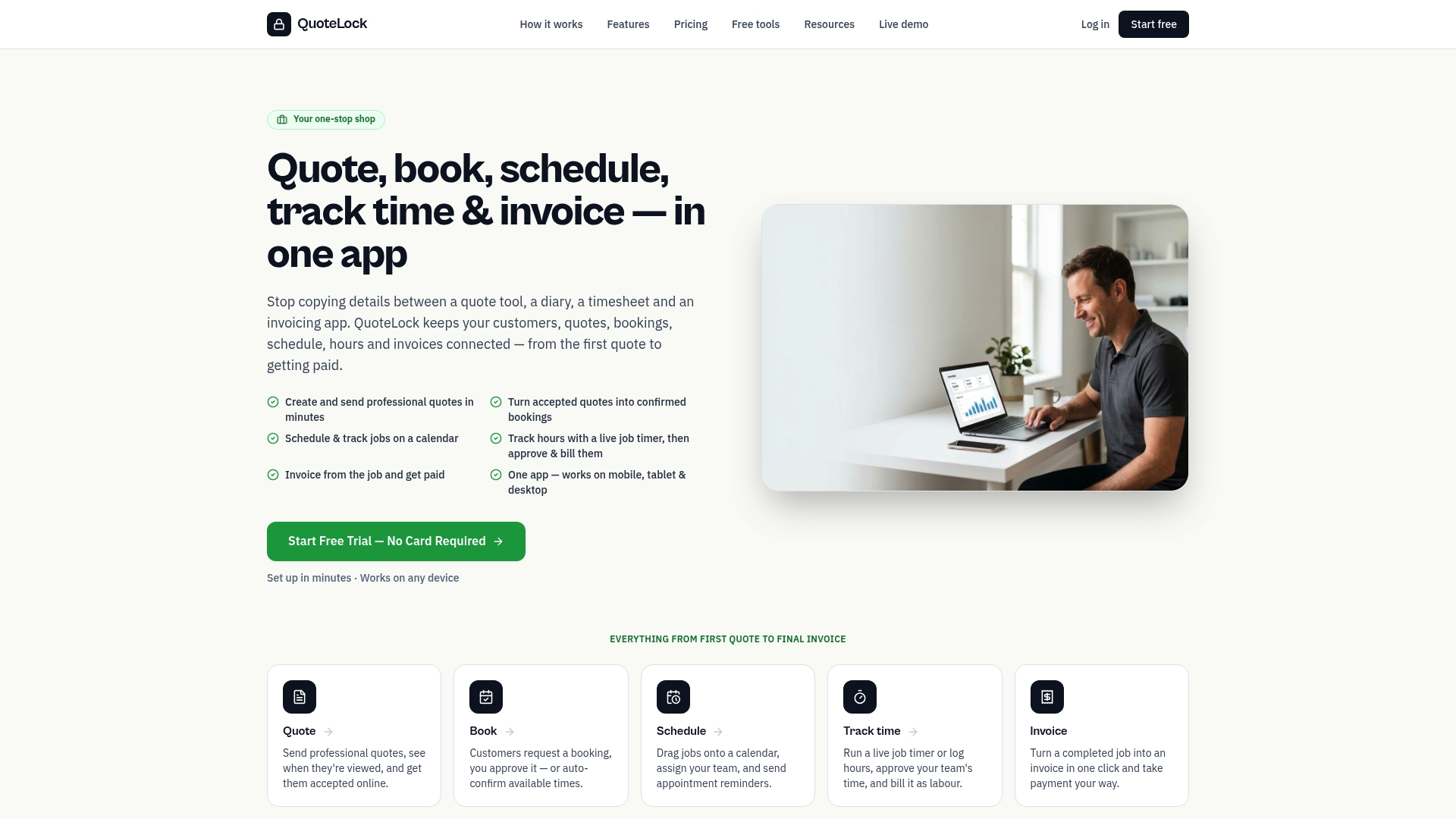
The 7-day free trial is enough time to send real quotes, enable automated reminders, and see your first no-login acceptance come through. Set up a branded template on day one, run your first live quote on day two, and let the automated follow-up do the chasing from there. Start your free trial at Quote-lock and book your first job faster.
Research and further reading
The following sources informed this playbook. Each one is worth a read if you want to go deeper on a specific part of the approval process.
- Auto-Quoting and Approval Workflows for Service Businesses | Distill Works: The source on automated reminder cadences and mobile approval mechanics that compress 3–5 day cycles to hours.
- Vet Contractors with Confidence: A Guide to Smart Bidder Selection | Procore: Expert guidance on scope reviews and documented assumptions as the primary tool for aligning stakeholders before sign-off.
- Bid Adjudication in Construction: How to Evaluate Subcontractor Quotes Properly | StoneRise Blog: Covers sign-off matrix design and scope reconciliation for multi-party construction approvals.
- Streamline Your Quote Approval Workflow | Automation Solutions: Practical guidance on tiered approval thresholds and response-time SLAs with named backup approvers.
- Understanding Quote Approval from Trigger to Customer Sign-Off | Salesbricks: Covers sequential vs. parallel routing and pricing discipline tactics including non-round discount thresholds.
- Quoting Software for Small Business | Quote-lock: Quote-lock’s feature set for online acceptance, view tracking, automated follow-ups, deposit links, and quote-to-invoice conversion.
- Make-Ready Priority: A Property Manager’s 2026 Guide | TurnTrack: Useful context on what property managers prioritize when reviewing and approving contractor quotes.
Pick one tactic from this article, implement it on your next quote send, and use the sources above to go deeper on whichever part of the process needs the most work.