How QuoteLock Works
QuoteLock helps service businesses manage what happens after a quote is sent.
Send a professional quote page
Send a clean, mobile-friendly hosted quote page with your branding and a clear VAT breakdown — as a link, a PDF attachment, or both, with CC/BCC. Your customer gets a polished quote, however they prefer to receive it.
Let customers respond
Customers can accept, ask a question, request changes, request a booking, or decline — all from the quote page.
See which quotes have been viewed
Know exactly when a quote was opened so you follow up at the right moment.
Follow up at the right time
QuoteLock surfaces quotes that need a nudge before they go cold or expire.
Track deposits and bookings
Capture deposit requests and move accepted quotes into confirmed bookings.
Turn accepted quotes into invoices
One click turns an accepted quote into an invoice with the same VAT breakdown.
See the numbers that matter
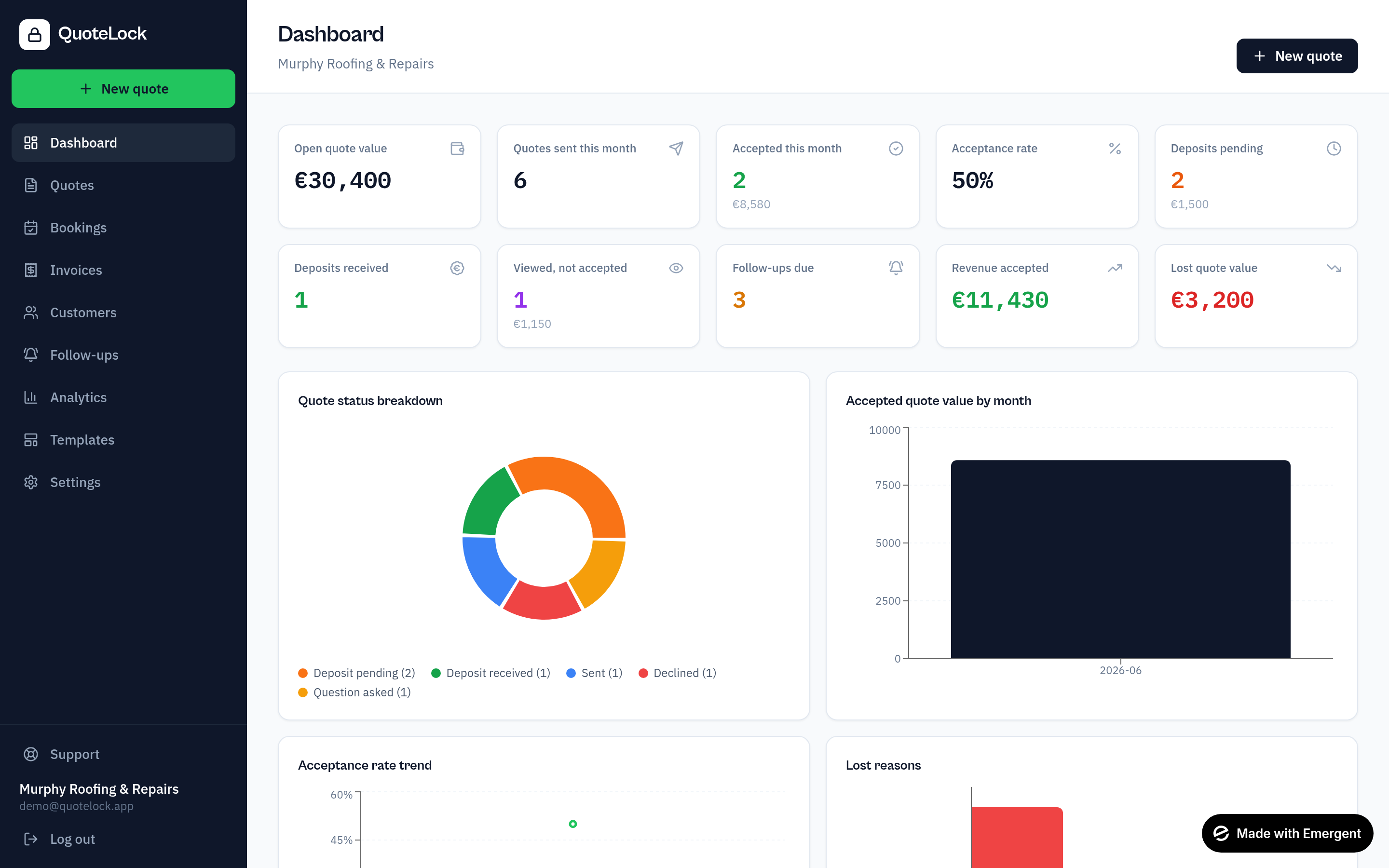
Open quote value, accepted jobs, outstanding invoices and payments due — all on one dashboard.
Ready to get going?
Related guides
We use essential cookies to run QuoteLock and privacy-friendly analytics to improve it. See our Privacy Policy.