How to Track Quote Status for Business Clients

How to Track Quote Status for Business Clients
Why tracking quote status drives sales success
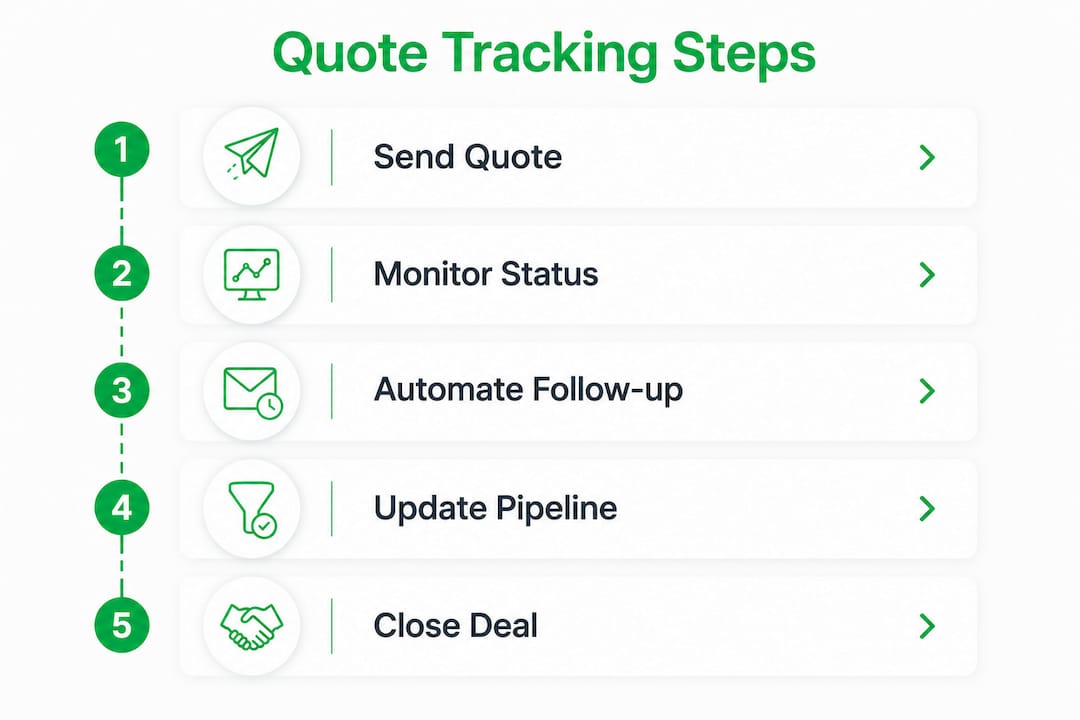
Quote tracking is the practice of monitoring where each sales quote stands in the client decision process, from the moment you send it to the moment it’s accepted, declined, or expires. For business owners and sales managers, it’s the difference between a pipeline you can act on and a pile of sent emails you’re guessing about.
The standard statuses you’ll encounter across most quoting and CRM systems are:
- Draft: the quote is being built but hasn’t reached the client yet
- Sent: delivered to the client, awaiting any interaction
- Viewed: the client has opened the quote link (the most useful early signal)
- Accepted: the client has confirmed they want to proceed
- Declined/Rejected: the client passed, often triggerable for a win-back sequence
- Expired: the quote’s validity window closed without a response
Standardizing these statuses lets you generate performance reports like closing rates and average time to acceptance, both of which directly inform pricing strategy and sales forecasting. Sorting by “last activity date” rather than just quote age reveals which deals are genuinely stalled versus which are still moving through a client’s internal approval process. A frequently viewed quote within a short period is a very different situation from one that hasn’t been opened in a long time.
Pro Tip: Track “viewed but not accepted” quotes as a separate priority group. A client who opened your quote is showing intent. That’s your best follow-up window, and most businesses let it close without acting.
What software makes it easy to monitor client quotes
The right tool removes the guesswork entirely. Instead of manually checking email threads or spreadsheets, you get a live dashboard showing every quote’s status, who last touched it, and what action is overdue.
Key features worth prioritizing when choosing quote tracking software:
- Real-time view and open tracking: know the moment a client opens your quote
- CRM integration: quote activity links directly to deal records and contact timelines
- Automated follow-up triggers: reminders fire based on client inactivity, not your memory
- Revision history and audit trails: every version is logged against the original quote ID
- Mobile-friendly client approval: clients accept without logging into a portal
Simple Quotes focuses on fast quote creation and basic status visibility, suited to small service businesses that want to move from spreadsheets to something structured without a steep learning curve.
Osmos Cloud adds CRM-style pipeline views to quoting, letting you connect quote status to deal stages and see your entire sales funnel in one place. It’s a practical middle ground for growing service companies.

ScalePad is built for managed service providers and IT businesses, with quote tracking tied into asset and lifecycle management workflows. If your quoting involves hardware or recurring service contracts, it fits that context well.
For field service and trades businesses, Quote-lock tracks quote views, sends automated reminders, and converts accepted quotes directly into invoices without requiring clients to create an account or download anything. That frictionless approval path matters more than most business owners realize.
Platforms like Centripe link quote activity to deal timelines automatically, triggering follow-up sequences when a quote is sent, opened, or expires without a response. The TrackWorks Estimates Module takes a similar approach for field teams, letting you track estimate status in real time and get notified the moment a client approves.
Pro Tip: Avoid any tool that requires your client to log in before viewing or approving a quote. Every extra step reduces acceptance rates. The best systems deliver a direct link that opens instantly on any device.
For service businesses that also need client management built in, look for platforms that connect quoting to contact records from the start, so follow-up history lives in one place rather than scattered across your inbox.
Best practices for following up on quotes and winning more business
Sending the quote is not the finish line. What happens in the few days after a client views it usually determines whether you win the job.
- Trigger follow-ups on inactivity, not just time. A quote viewed but not accepted after 48–72 hours is the clearest signal to reach out. Automated workflows that fire reminders based on this threshold recover stalled deals without requiring you to manually check every quote daily.
- Sort by last engagement, not send date. A quote sent yesterday with no views needs different attention than one sent two weeks ago and viewed four times. Prioritizing by last activity keeps your follow-up focused on deals that are actually moving.
- Keep follow-up messages short and frictionless. A one-line email asking if the client has questions outperforms a formal re-pitch. Clients who’ve already viewed your quote don’t need the full sales letter again.
- Maintain a full revision history. Linking every quote revision to the original quote ID prevents disputes over pricing or scope. Auto-linking revisions preserves the full price history and gives both sides a clear record if questions come up later.
- Use tracking data to refine your pricing. If quotes in a certain price range consistently expire without a response, that’s a signal worth acting on. Quote tracking reports surface these patterns over time.
Automated follow-ups don’t feel impersonal when they’re timed correctly. Consistent, timely contact at the right decision moment keeps sales momentum alive without burning your team’s time on manual outreach.
Pro Tip: Personalize follow-up messages based on quote status. A client who viewed your quote three times gets a different message than one who hasn’t opened it yet. The status tells you exactly where they are in the decision.

How automated quote tracking raises your win rate
Automation does one thing manual tracking can’t: it acts the moment something happens, not the next time you remember to check.
| Trigger event | Automated action | Business benefit |
|---|---|---|
| Quote sent | Deal stage updates; follow-up sequence starts | Pipeline stays current without manual entry |
| Quote viewed | Rep notified; engagement logged on contact timeline | Follow-up happens at peak client interest |
| 48 hours with no interaction | Reminder email or SMS sent automatically | Stalled deals get recovered before going cold |
| Quote accepted | Deal moves to closed-won; invoice workflow triggers | Revenue recognized faster, no manual handoff |
| Quote expired | Follow-up task created; win-back sequence starts | Expired quotes become re-engagement opportunities |
| Quote revised | Version history logged; deal timeline updated | Audit trail stays intact for both parties |
Multi-channel reminders amplify this further. Zarina CRM’s follow-up module, for example, sends an email quote and then fires an SMS alert if no client interaction is logged within 48 hours, with every outbound message logged in a timestamped outbox for full transparency.
Automation also removes the accountability gap. When every quote has a clear owner and every status change triggers a logged action, nothing slips through because someone forgot to check. Linking quote activity to deal records means your pipeline reflects reality, not optimism.
The compounding effect shows up in your close rate over time. Businesses that track quote engagement and act on it systematically convert more of the quotes they’re already sending, without increasing their volume or headcount.
Try Quote-lock for free
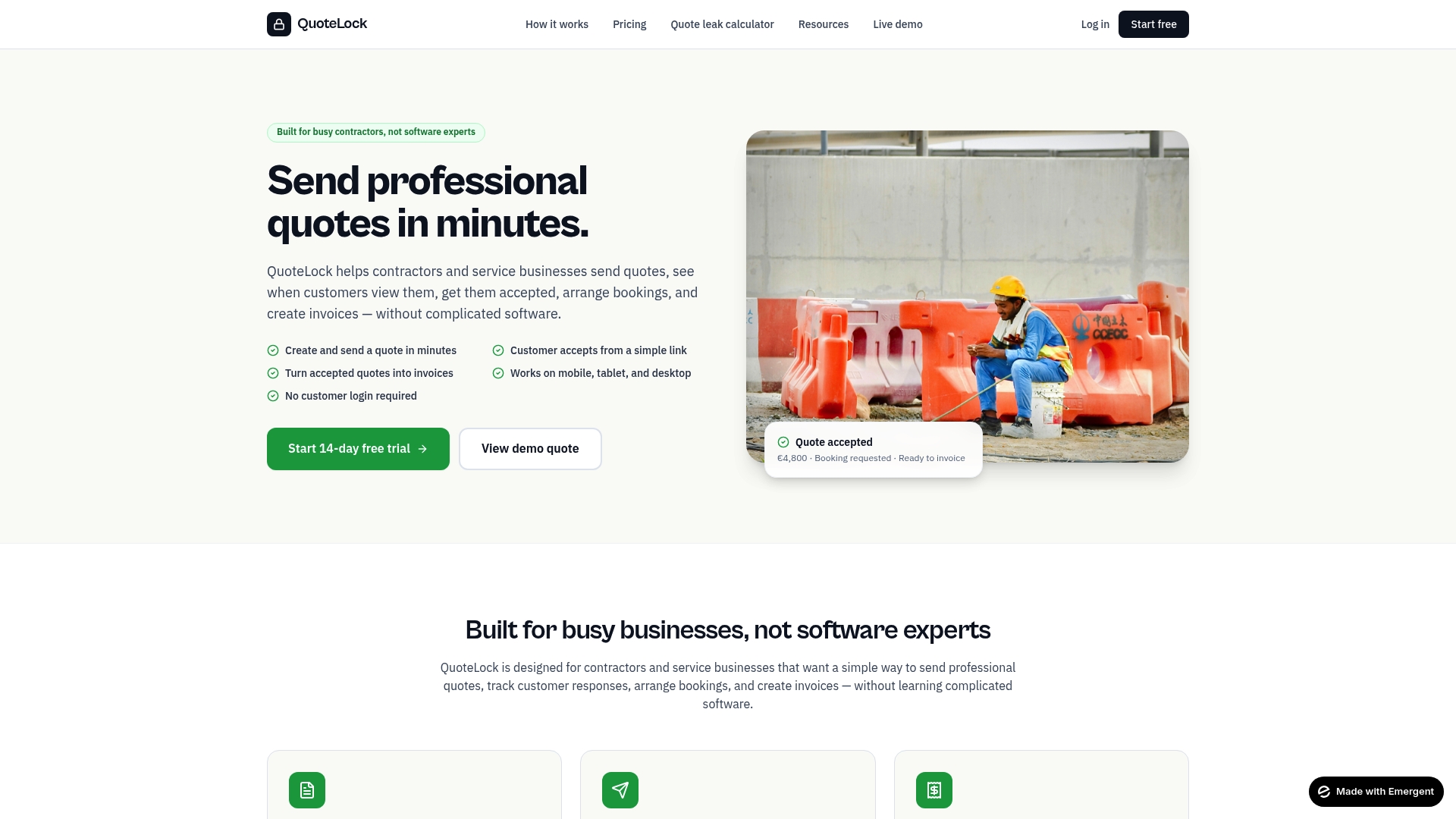
Quote-lock is built for contractors and service businesses that want to send, track, and convert quotes without complex software or client logins. You’ll see when clients open your quote, send reminders automatically, and turn accepted quotes into invoices in one click.
Start tracking your quotes today and stop losing jobs to slow follow-up.
Key Takeaways
Tracking quote status actively, not just sending quotes and waiting, is the single most reliable way to improve your sales close rate without changing your pricing or your pitch.
| Point | Details |
|---|---|
| Use standard status categories | Draft, Sent, Viewed, Accepted, Declined, and Expired give you a clear pipeline you can act on. |
| Sort by last engagement date | Prioritizing quotes by last activity, not send date, reveals which deals need urgent attention. |
| Automate follow-ups on inactivity | Triggering reminders based on client inactivity—typically 48 to 72 hours after a quote is viewed but not accepted—recovers stalled deals, as shown by CRM automation best practices. |
| Link revisions to the original quote | Maintaining a full audit trail prevents pricing disputes and builds client trust over time. |
| Use tracking data to refine strategy | Patterns in quote performance, like price ranges that consistently expire, inform better pricing decisions. |