Top 4 ServiceStorm.io Alternatives for 2026

Top 4 ServiceStorm.io Alternatives for 2026
Finding quote and invoice software that streamlines client acceptance and avoids unnecessary admin remains difficult for small service businesses and tradespeople. Many tools force customer logins, require extra setup, or add complexity that slows down onsite quoting and conversion. This article compares four alternatives so tradespeople and small service businesses can match a quoting platform to their workflow and client needs.
Table of Contents
QuoteLock
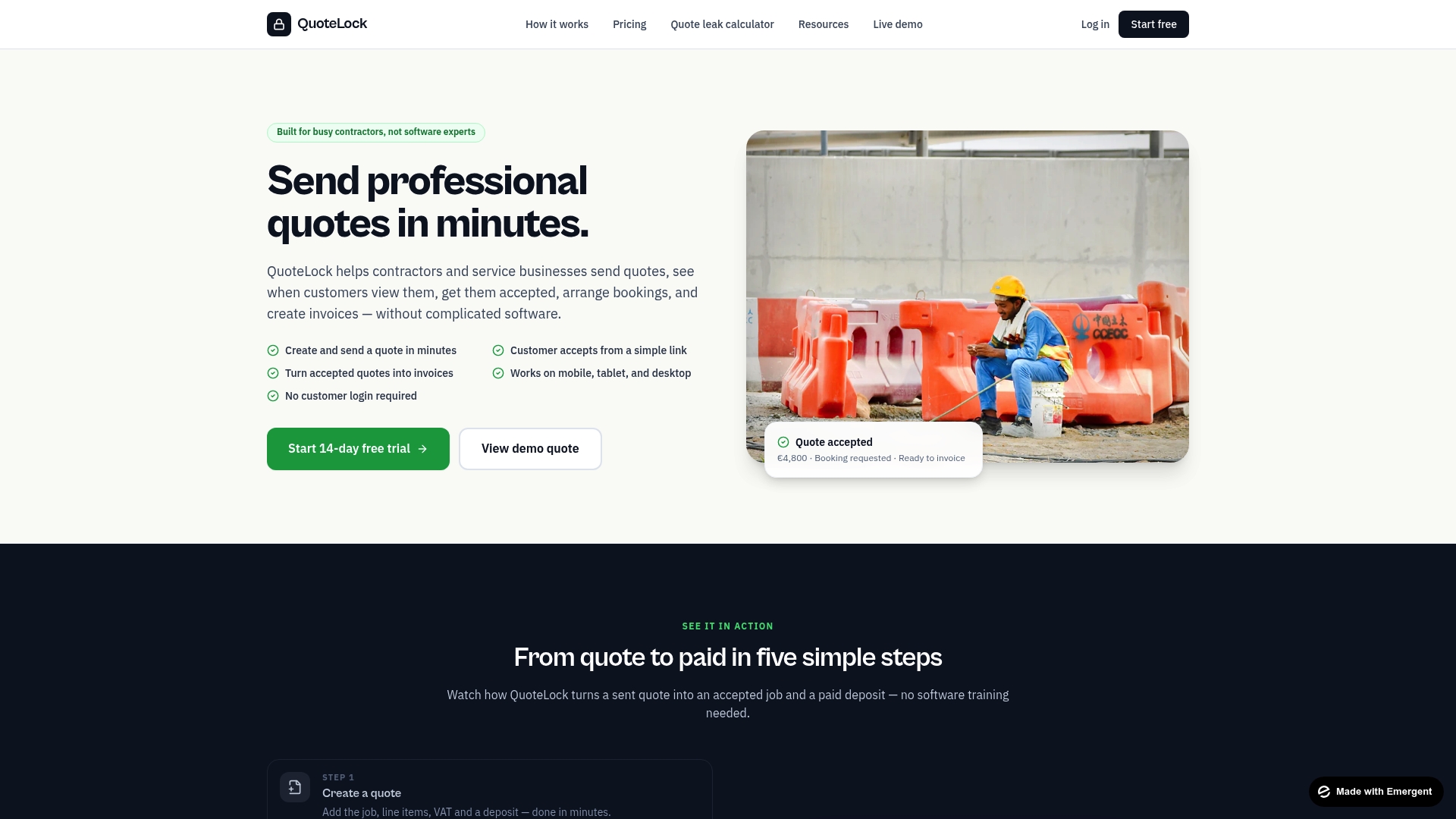
At a Glance
Customers can accept a quote from a simple link with no login required. This single detail removes a common friction point for homeowners and small business clients. You can create and send a professional quote in minutes, track when customers view it, arrange bookings after acceptance, and convert accepted quotes into invoices on mobile or desktop.
Core Features
QuoteLock lets you build and send a quote quickly from a phone, tablet, or desktop, then lets the customer accept via a plain link. Accepted quotes convert directly into invoices, and bookings can be scheduled after acceptance. The system tracks quote views and supports follow up reminders, while payment integrations handle deposits and final payments.
Key Differentiator
QuoteLock targets busy tradespeople with a full quote to invoice workflow that emphasizes speed and mobile use. The interface removes unnecessary setup and client-side complexity so field technicians can operate without training. That focus on onsite quoting and instant conversion to invoices separates it from general purpose invoicing tools.
Pros
The interface is simple and mobile friendly, which reduces admin time for electricians, plumbers, painters, and landscapers. Tracking when a client opens a proposal gives you a clear cue for follow up, which helps convert more estimates into booked jobs. Accepted quotes become invoices without rekeying data, and available plans cover solos through small teams while payment integrations accept deposits and final payments.
Cons
- Limited advanced customization and integrations beyond payment providers, so it does not replace a full CRM or project management suite.
Notable Integrations
- Stripe
- SumUp
- Revolut
- Bank links
Who It’s For
Small service businesses and tradespeople who need a fast, low friction way to quote and invoice clients. The product fits users who work onsite and must send a polished estimate from a phone. It also suits teams that want simple booking follow up without onboarding clients to new software.
Unique Value Proposition
No customer login required lowers friction and shortens the acceptance path for homeowners and small commercial clients. That removal of a signup step reduces the time between quote delivery and client decision. For contractors who must win jobs while onsite, it turns a quote into a booked job and then into an invoice with minimal paperwork.
Real World Use Case
A plumber writes a detailed estimate on site using a phone, sends the link, and watches the view notification arrive. When the customer accepts, the plumber schedules the visit and converts the accepted quote into an invoice to request a deposit. The whole flow keeps the job moving without extra admin or client setup.
Pricing
Paid plans start at €19/month and include a 14-day free trial. Multiple plan sizes are available to match solo contractors and small teams, with payment processing options included on relevant plans.
Website: https://quote-lock.com
ServiceTitan
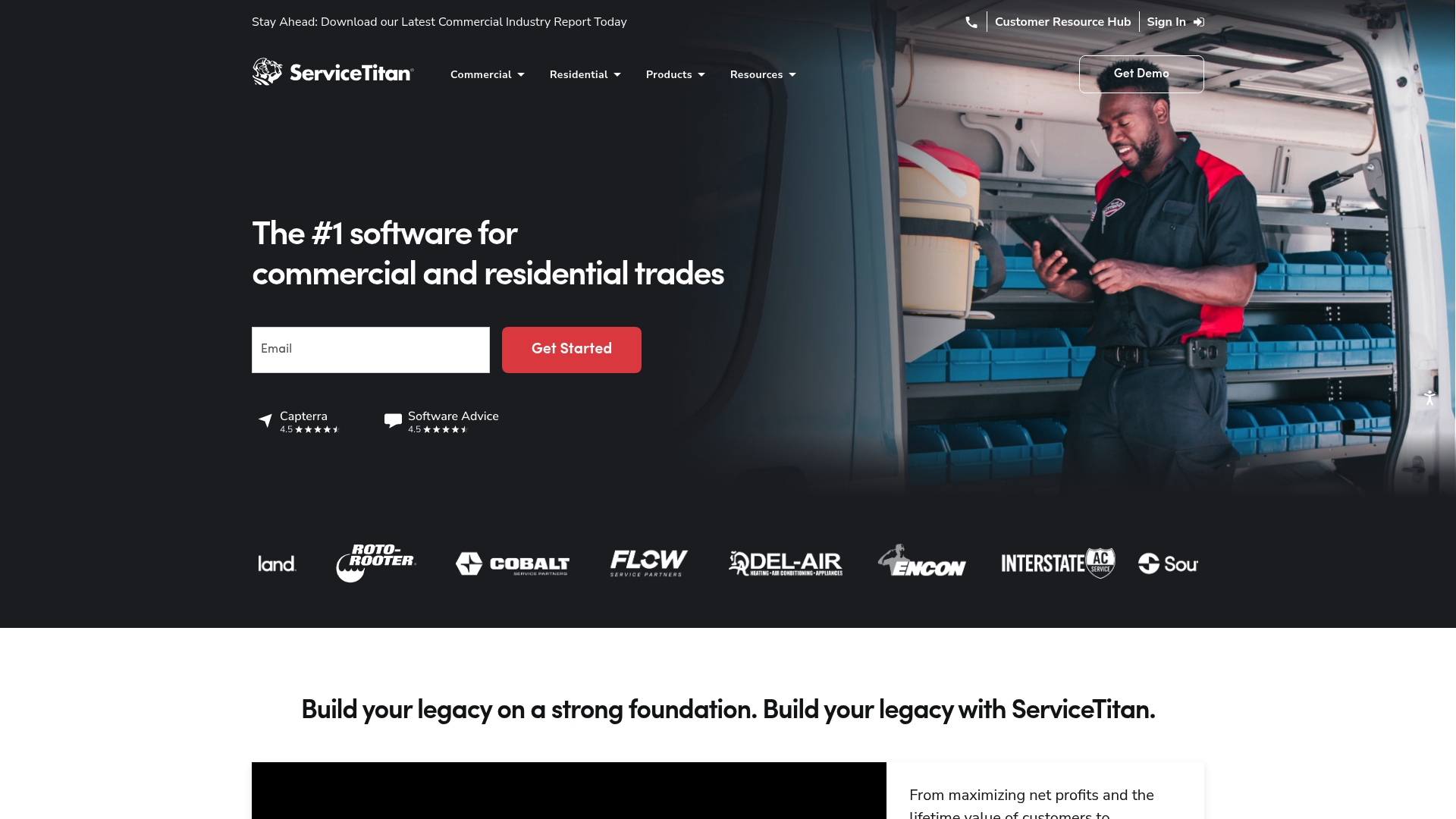
At a Glance
ServiceTitan reports over 70 integrations across its ecosystem. The product targets commercial and residential trades with a full set of tools for job management and customer handling. It combines proposals, scheduling, invoicing, inventory, and a mobile app for technicians in one place. That breadth makes it a candidate for mid sized and larger contracting operations.
Core Features
ServiceTitan centralizes proposal creation with a Proposal Builder and tracks costs using Job Costing, while its CRM stores customer histories and preferences. The platform offers custom reporting and dashboards, service agreement automation, a Client Portal, and tools for booking, dispatching, and crew management. It also includes invoicing and payment connections, inventory and purchasing automation, and a mobile app for field technicians.
Key Differentiator
The product focuses specifically on trades companies and aligns features to trade workflows. Its dispatching and crew management are built with technician routes and job windows in mind. Proposal building ties directly to job costing and invoicing so estimates follow through to billable items. That trade first orientation separates it from general purpose field software.
Pros
ServiceTitan provides industry specific features that match contracting workflows, which reduces the need for heavy customization. The platform’s integration footprint supports common vendor connectors and back office systems, so finance and parts suppliers integrate into the same workflow. The mobile app keeps technicians connected to schedules and parts lists in the field, helping reduce paperwork and miscommunication.
Cons
- The platform is complex and often requires formal training for office staff and technicians. This increases the time before teams run at full speed.
- Pricing is not listed publicly, which limits quick budget comparisons for small buyers. That opacity can slow procurement conversations.
- Implementation can be time consuming for larger teams that need data migration and process redesign.
When It May Not Fit
Small or new businesses without dedicated IT or an operations lead will find setup challenging. Very small shops or sole proprietors should expect the cost structure to be heavier than entry level quoting tools. Companies that only need a simple quoting and invoicing tool will encounter features they do not use.
Notable Integrations
- ServiceChannel
- XOi
- Sage
- Ferguson
- Viewpoint Spectrum
Who It’s For
Contracting businesses in trades industries like plumbing, HVAC, electrical, and construction that need an all in one operations platform. Teams with multiple technicians and a need to connect office scheduling to field work will get the most value. Organizations planning to centralize proposals, dispatch, inventory, and finance workflows are a natural fit.
Real World Use Case
According to the company, a plumbing company using ServiceTitan saw a 16% rise in annual revenue after adoption. The firm used the product for scheduling, dispatching technicians, creating proposals, invoicing, and managing inventory. That combination reduced missed appointments and shortened billing cycles.
Pricing
Pricing is not publicly listed. The product entry lists pricing as not applicable and informational only. Prospective buyers must contact the vendor for a custom quote.
Website: https://servicetitan.com
Jobber
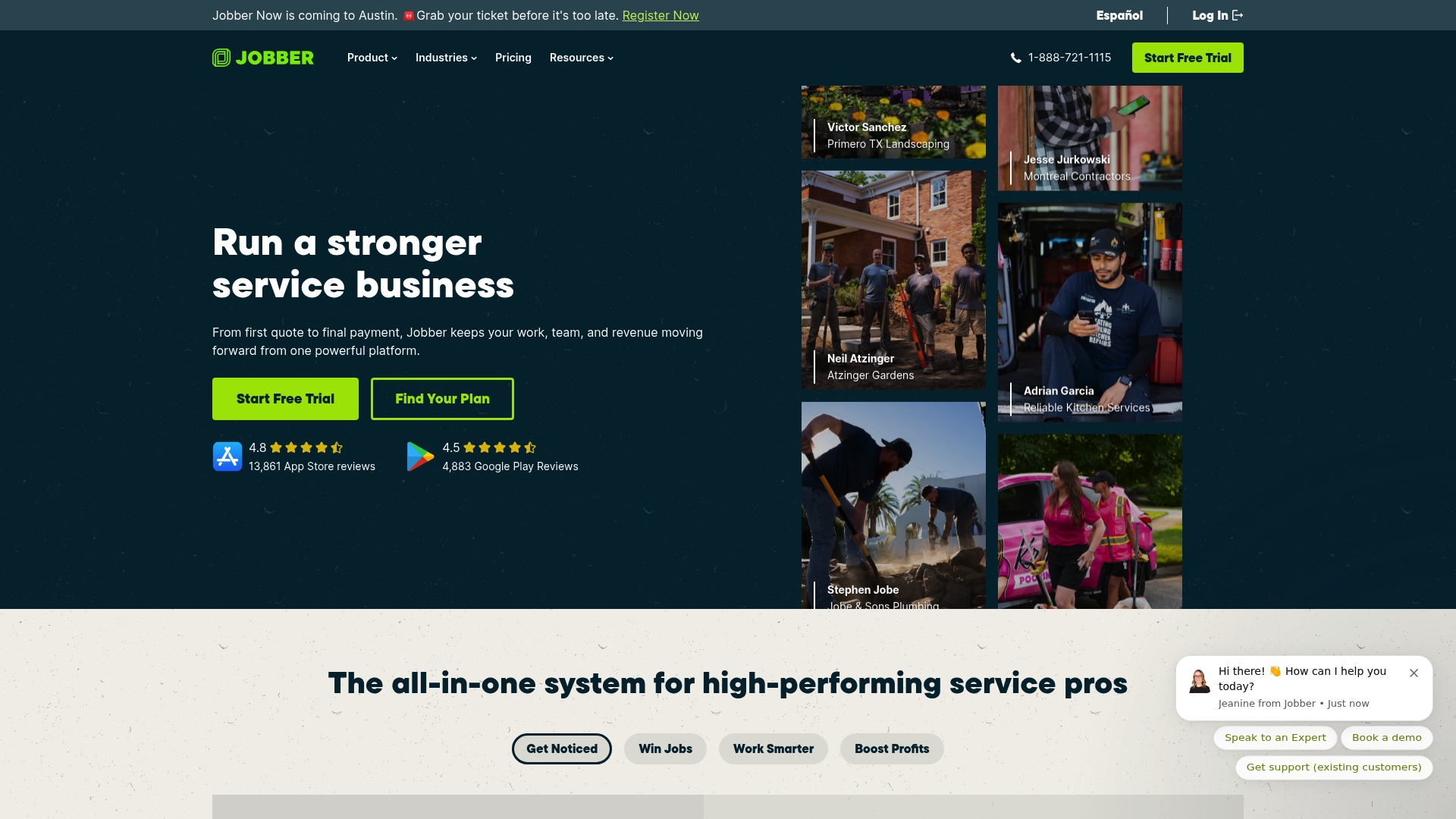
At a Glance
AI powered automation adapts to your workflow and handles routine customer messages and follow ups. The platform targets home service businesses with tools for booking, quoting, invoicing, scheduling, and marketing. Mobile apps and multilingual support make field handoffs and on the road updates easier for crews.
Core Features
Jobber combines customer relationship management with online booking and request forms, and it includes scheduling with routing and GPS tracking. The product stores job details, checklists, and workflows while offering quotes and consumer financing options inside proposals. Financial tools cover invoicing, batch invoicing, payment processing, QuickBooks Online sync, and reporting.
Key Differentiator
The standout feature is the AI powered automation that learns routine messaging and task sequences and then applies them across jobs. That automation reduces repetitive admin by generating proposals, nudging late payments, and prompting review requests. It is pitched toward field teams who want predictable, repeatable processes without extra manual steps.
Pros
Jobber acts as an all in one operations platform for landscaping, HVAC, plumbing, and cleaning businesses, keeping customer records, schedules, and invoices in one place. The mobile app supports crews on site and offers GPS waypoints, time tracking, and job checklists for real time coordination. Growth tools such as a website builder, review generation, and email campaigns sit alongside payments and QuickBooks Online sync so owners can manage marketing and accounting from the same product.
Cons
- Pricing can be expensive for very small businesses or solo operators, especially once extras and additional seats are added.
- Some users report a learning curve when setting up automation rules and configuring integrations.
- Template and workflow customization is limited for teams that need highly tailored forms or advanced scripting.
When It May Not Fit
If you run a sole proprietorship with minimal monthly invoicing, the total monthly cost may outpace the benefit. Teams that require deep template customization or complex third party workflows may find the built in options too restrictive. Organizations tied to a legacy accounting setup outside QuickBooks Online could face extra migration work.
Notable Integrations
Jobber connects to common field and finance tools used by service businesses.
- QuickBooks Online
- Zapier
- FleetSharp GPS tracking
- Stripe for payments
- CompanyCam
- Mailchimp
Who It’s For
Home service owners and trade contractors who need one product to manage customers, jobs, and payments will find Jobber appropriate. It fits teams that value mobile job management and automated customer follow up. Owners planning to grow and add marketing functions will benefit from the included review generation and website tools.
Real World Use Case
A landscaping company schedules weekly maintenance, assigns crews with GPS waypoints, and sends automated appointment reminders through Jobber. Technicians use the mobile app to complete checklists, collect payments, and attach photos to jobs. Management reviews job costing and syncs records to QuickBooks Online to measure margin on recurring contracts.
Pricing
Plans start at $29/month for the Core plan and scale through Grow, Connect, and Plus tiers. Pricing supports monthly and annual billing with discounts for yearly commitments. Jobber also offers custom pricing for franchises and multi location businesses with higher seat counts and enterprise features.
Website: https://getjobber.com
Housecall Pro
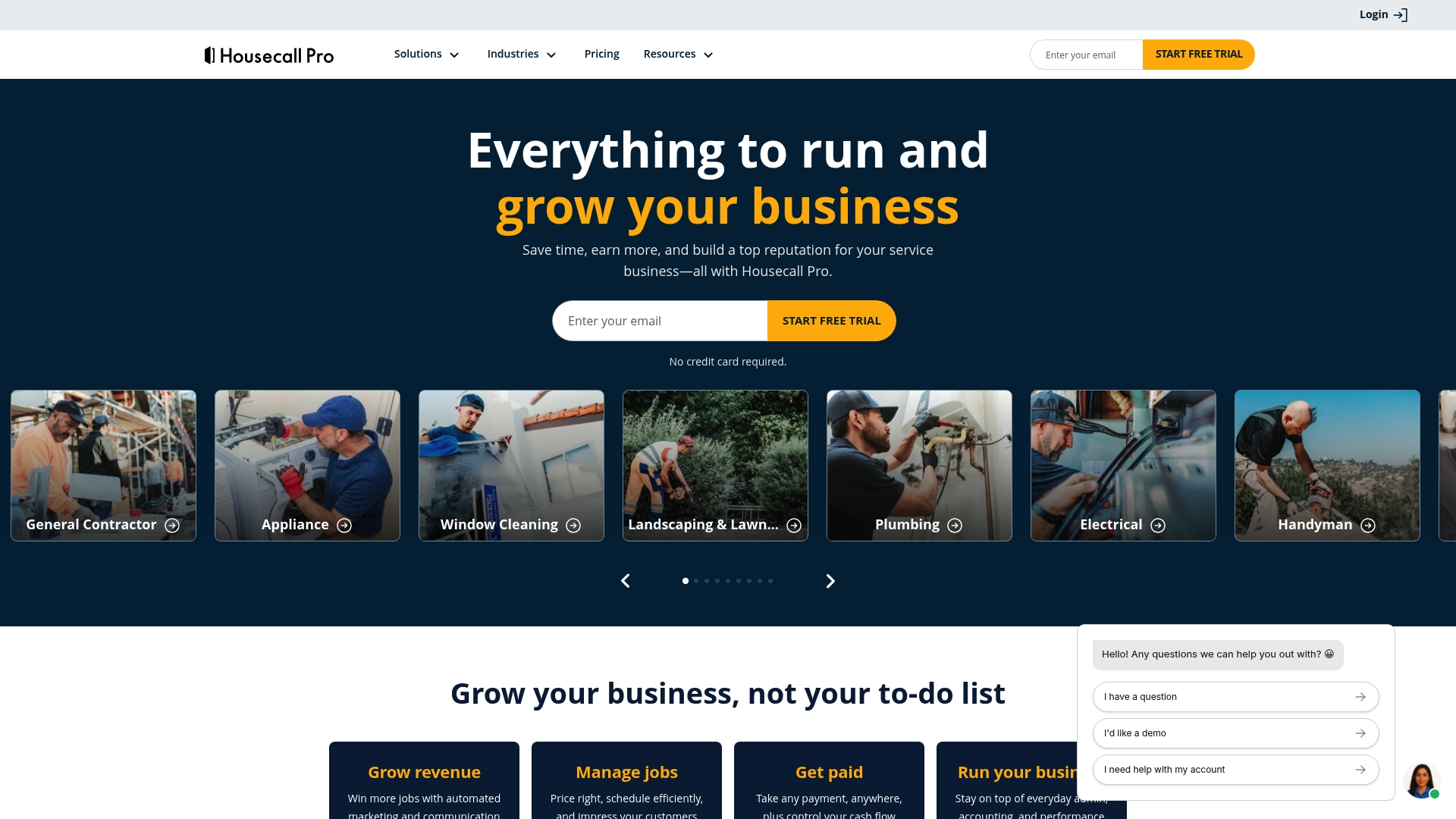
At a Glance
Housecall Pro reports a community of over 200,000 professionals. That community combines with built in AI to help home service businesses manage bookings, jobs, and payments. The platform targets businesses that need both scheduling and operational tools across multiple crews.
Core Features
Housecall Pro centralizes online booking and payment collection with a public booking page and card processing. It pairs robust scheduling and dispatch tools with job management features such as quotes, proposals, and job costing. The product also offers invoicing automation with QuickBooks integration and real time GPS tracking for fleet monitoring and route planning.
Key Differentiator
Housecall Pro emphasizes built in AI tools and a strong community focus as its main edge. That combination aims to help trades grow through templates, webinars, and peer support while using AI to speed repetitive tasks. Compared with simpler quoting tools, Housecall Pro fits teams that need operational depth and community resources as they scale.
Pros
The platform delivers a broad feature set that covers booking, dispatch, job costing, invoicing, and fleet tracking in one product. It offers no long term contracts and allows upgrades or downgrades as team size changes, which eases financial commitment for growing contractors. The community resources and vendor supplied AI tools add practical learning materials and automation options for common trade workflows.
Cons
-
Pricing rises by tier, which may place higher plans out of reach for very small or solo operators.
-
The breadth of features creates complexity that often requires onboarding and training for new staff.
-
Several users report the interface can feel overwhelming because of many screens and menu options.
When It May Not Fit
If you run a one person operation and want the simplest possible quoting and invoicing flow, this product may be more than you need. Teams that expect to work offline for long stretches will find some features have limited offline support. If you prefer minimal setup and near zero training, the platform’s depth can slow initial adoption.
Notable Integrations
-
QuickBooks for accounting sync and invoice reconciliation.
-
Google for calendar and mapping integration.
-
Thumbtack for lead generation and job sourcing.
Who It’s For
Housecall Pro suits home service contractors across HVAC, plumbing, electrical, cleaning, and landscaping trades. It fits solo owners planning to grow and teams managing multiple crews and vehicles. The platform appeals to operations that need booking, billing, and fleet tracking in a single product.
Real World Use Case
According to the company, a plumbing firm expanding from 10 to 30 employees reported tripling revenue over a year. The firm used online booking to increase inbound jobs, moved invoices to digital delivery to speed payments, and used GPS tracking to reduce drive time. Those changes supported faster service delivery and made scheduling for more crews workable.
Pricing
Plans start at $59/month for basic access with higher priced tiers unlocking advanced dispatch, API access, and additional seats. The vendor sells tiered plans that scale by feature set and team size. No long term contract is required, so you can change plans as needs shift.
Website: https://housecallpro.com
Comparison of alternatives
For users prioritizing a streamlined and frictionless quoting workflow, several competitive alternatives offer unique strengths catering to different business needs.
Workflow automation and tool depth
Among the contenders, Jobber excels in automation with its AI-driven handling of routine messages and follow-ups. This capability benefits businesses with repetitive communication needs, allowing professionals to focus on tasks requiring human input. Furthermore, ServiceTitan integrates deeper operational tools such as inventory management and financial tracking, making it suited for trades that manage complex backend operations.
Support for scalability and team-based operations
For businesses requiring large-scale fleet operations, Housecall Pro provides GPS tracking integration with real-time route optimization. This feature ensures efficient dispatching and coordination among multiple team members, making it a natural fit for companies with expansive field operations.
Best fit
- Contractors sending professional quotes quickly, on-site, and without administrative delays will find quote-lock.com in speed and simplicity.
- Businesses benefiting from automation in customer communication will align well with Jobber’s AI-powered message handling.
- Larger teams needing GPS and fleet management features can efficiently scale using Housecall Pro.
- Organizations seeking backend integrations for finance or inventory should consider ServiceTitan for its extensive toolset.
Our pick
For tradespeople focused on immediacy and minimal client-side barriers, quote-lock.com offers the fastest path to job booking and invoicing out of all evaluated platforms. However, organizations needing advanced automation or detailed fleet management features might explore alternatives like Jobber and Housecall Pro for tailored solutions.
For businesses seeking effective tools to streamline quoting and invoicing processes, here’s a comparison of platforms highlighting their key features and notable differences.
| Product | Key Differentiator | Best For | Pricing | Notable Limitation |
|---|---|---|---|---|
| Quote-lock | Fast quoting and invoicing workflow with mobile focus | Small service businesses and tradespeople | €19/month (14-day trial) | Limited advanced customization and integrations |
| ServiceTitan | Comprehensive trade-focused operations management platform | Contracting businesses with multiple technicians | Price not published | Requires training for office staff and technicians |
| Jobber | AI-powered automation for customer management | Home service owners planning growth | $29/month | Expensive for small or solo businesses |
| Housecall Pro | Community-driven operational tools with AI integration | Multi-crew home service contractors | $59/month | Complexity may require onboarding and training |
Why Choosing the Right Quoting and Invoicing Tool Matters for Tradespeople
Service businesses face challenges with complex software that delays quotes and invoices. Quote-lock offers a focused solution for tradespeople who need quick, simple quoting without requiring clients to log in. This reduces delays and boosts job acceptance by sending professional quotes in minutes and converting them directly into invoices without extra steps.
Key benefits include:
- No client login needed to approve quotes
- Mobile-friendly interface for on-site quoting
- Tracking quote views and automated reminders
Busy contractors who want to spend less time on paperwork and more on their work will find Quote-lock easy to adopt and efficient. Visit Quote-lock to see how this solution helps contractors win more jobs and bill faster with less hassle.
Try Quote-lock now and create your first professional quote in minutes.
FAQ
How does Quote-lock handle quote acceptance?
Quote-lock allows customers to accept quotes via a simple link without requiring any login. This feature eliminates a common friction point for homeowners and small business clients, making it easier for them to proceed with their service. Users can expect a smooth experience in getting their quotes accepted quickly.
What is the difference between Jobber and Quote-lock?
Jobber acts as an all-in-one operations platform that includes tools for customer management and automation. It appeals to home service contractors who need centralized management. Quote-lock focuses on a streamlined quote to invoice workflow specifically designed for tradespeople needing fast, mobile quoting. This specialization makes Quote-lock the better choice for those prioritizing quick onsite quotes.
Which platform offers better visibility into quote tracking?
Quote-lock provides visibility into when customers view quotes, which helps users know the right moment to follow up. This tracking feature directly supports converting estimates into booked jobs. Readers can rely on Quote-lock for enhanced quote management without needing a complicated setup.
Can I use Quote-lock without technical knowledge?
This platform is designed with a simple interface that eliminates unnecessary setup and complexity, allowing tradespeople to operate without training. Users can quickly get started with minimal technical knowledge, making it an accessible choice for busy professionals.
What pricing options does Quote-lock offer?
Quote-lock’s paid plans begin at €19/month and include a 14-day free trial, making it accessible for small service businesses and tradespeople alike. Users will find it easy to start with a trial to assess if Quote-lock meets their needs before committing.