Top 3 Path.pro Alternatives for 2026

Top 3 Path.pro Alternatives for 2026
Picking quotes and invoicing software that speeds up booking and billing without extra admin is harder than needed for trades and contractors. Most tools gate simple quote acceptance and payments behind account creation, complex portals, or extra fees for key features. This list compares pricing, integrations, and mobile quoting across three alternatives so tradespeople can pick the best fit for their workflow and team size.
Table of Contents
QuoteLock
At a Glance
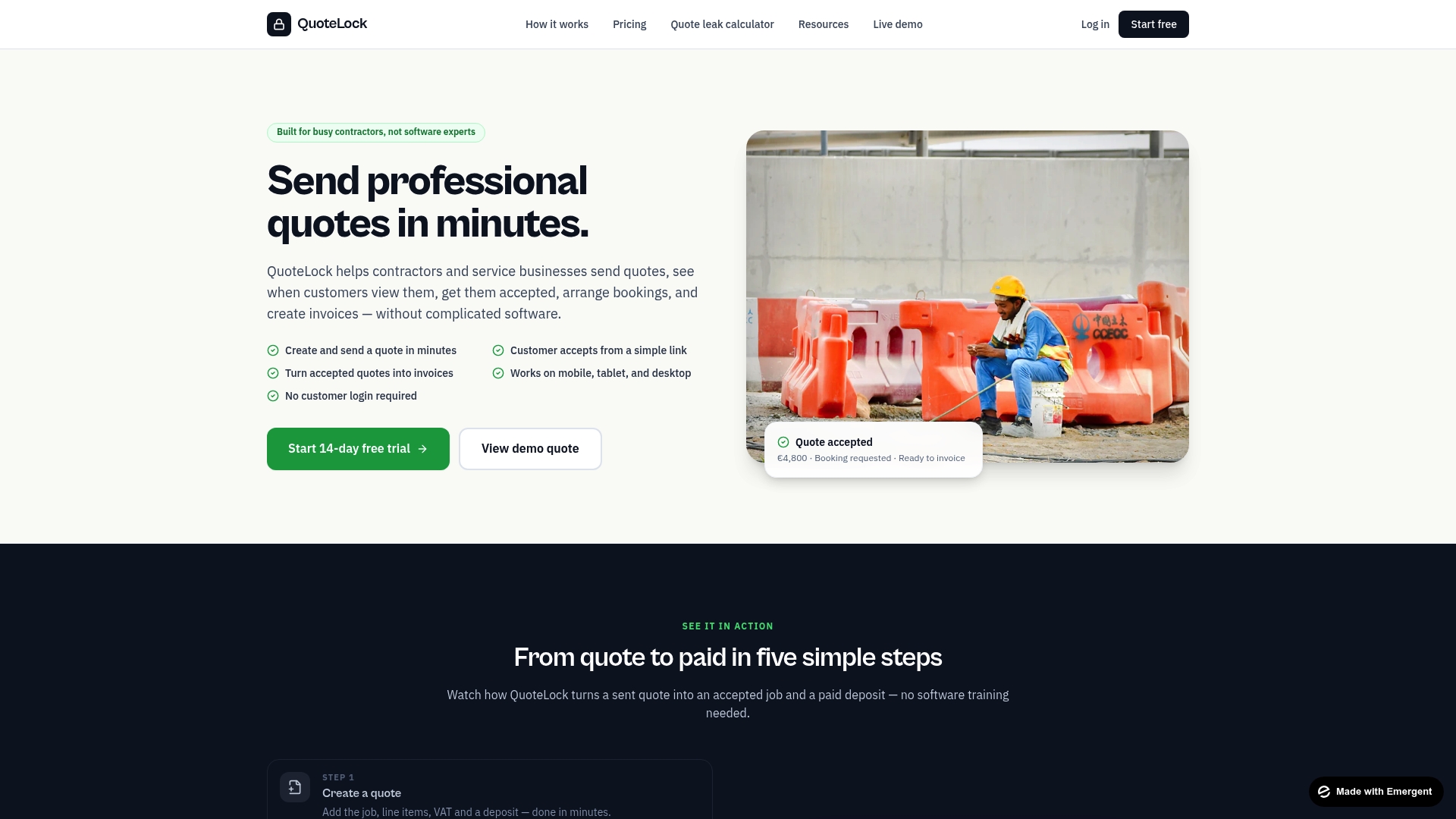
Customers accept quotes via a simple link with no login required. The system converts an accepted quote into an invoice with one click and supports deposit collection through payment links. QuoteLock also reports when customers view quotes and can send automated follow ups to nudge decisions.
Core Features
QuoteLock lets you create and send professional quotes in minutes and track when customers view them. You can convert accepted quotes into invoices, collect deposits using Stripe, SumUp, Revolut, or bank transfer links, and capture customer acceptance without accounts. The product combines quoting, basic booking, and invoice creation into a single system that runs on phones and tablets.
Key Differentiator
Built specifically for contractors and service businesses, QuoteLock focuses on speeding quote acceptance, booking, and billing with a mobile first workflow. The interface removes client logins and training as blockers for acceptance. That design aims to reduce the admin steps between a site visit and getting paid.
Pros
QuoteLock is very simple to use and requires no technical skills to start creating quotes on a phone. Its mobile first design makes on site quoting practical, and the customer link acceptance removes the friction of account setup or portals. Automatic follow ups and view tracking help you know who looked at a quote and prompt action without another app.
Cons
- Limited project and client management. It lacks advanced job tracking and client management tools suitable for larger projects.
Notable Integrations
- Stripe
- SumUp
- Revolut
- Bank transfer links
Who It’s For
Small service businesses and sole contractors who need a fast way to quote, book, and bill from the field. Trades such as plumbers, builders, landscapers, and event suppliers will find the mobile flow useful. Companies needing deep project management or enterprise account controls will outgrow this tool.
Unique Value Proposition
Convert accepted quotes into invoices with one click. That single step turns a customer acceptance into billable work without manual reentry or separate accounting software. For a contractor, that saves time on office work and reduces missed invoices after busy jobs.
Real World Use Case
A plumber writes a quote on site and sends it by WhatsApp as a customer link. The plumber sees when the customer views the quote and lets automated follow ups run if there is no response. When the customer accepts, the plumber books the visit and issues an invoice from the same phone.
Pricing
Paid plans start at €19/month and include a 14 day free trial. Higher tiers add features and allow more users, with monthly or annual billing options. The vendor lists multiple tiers to scale features and seats for growing teams.
Website: https://quote-lock.com
YourTradebase
At a Glance
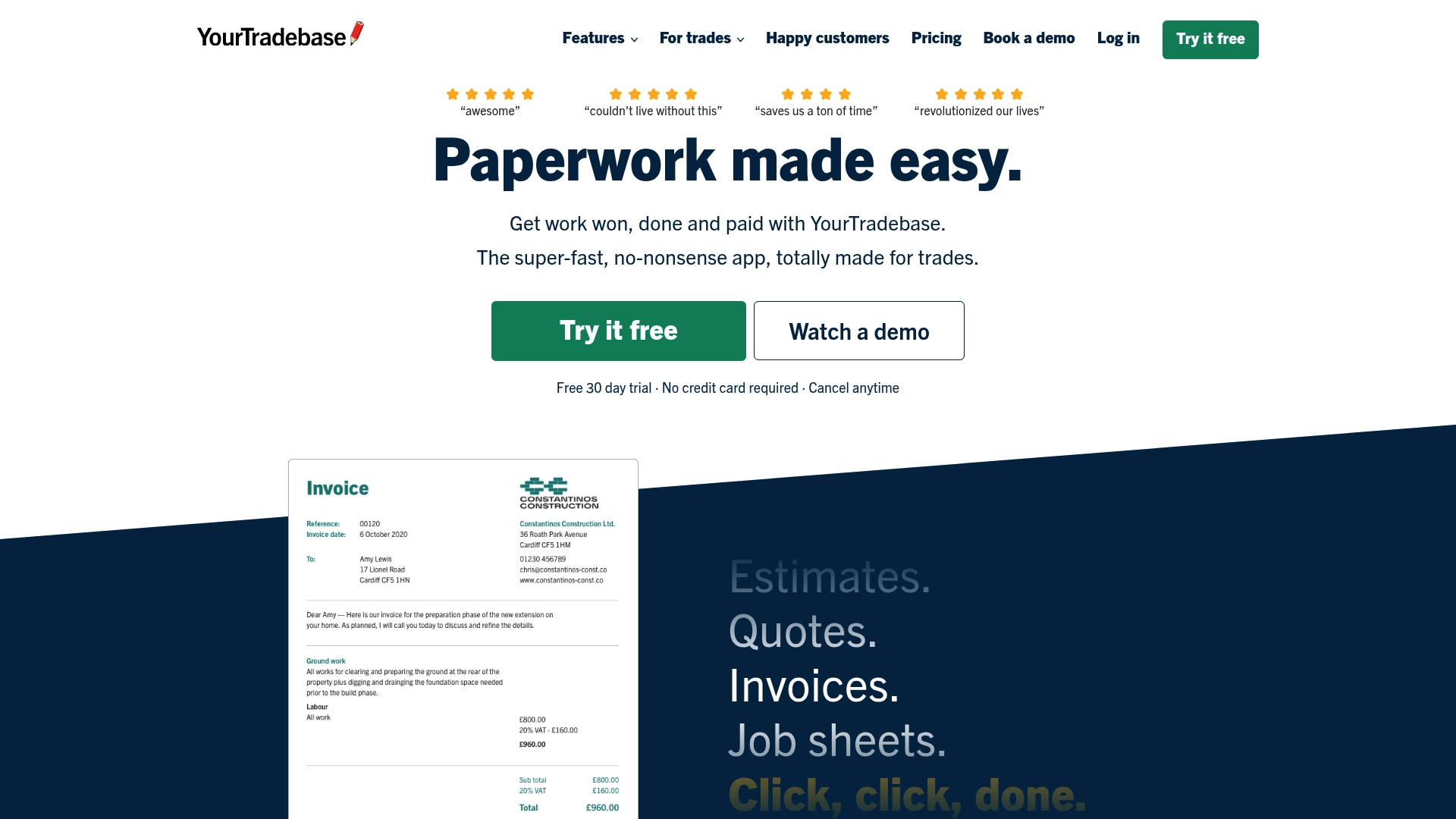
YourTradebase lists a straightforward price of £29/month, plus optional users and an annual discount that gives two months free. That price and its trade focused feature set target small crews who need quicker quotes, scheduling, and payment on jobs.
Core Features
The app combines job sheets, estimates, quotes, and invoices with scheduling and task management to reduce paperwork. It also supports online card payments on jobs and includes lead tracking and team communication tools while integrating with QuickBooks and Xero. Team management and lead follow up features help keep notes, assign tasks, and track follow ups.
Key Differentiator
YourTradebase focuses on trade only workflows and templates tailored for builders, electricians, and plumbers. Those trade only tools aim to replace scattered spreadsheets and card readers with a single app for quotes, job sheets, and payments. Templates reflect trade realities like material lists, measurement fields, and simple payment capture at the customer site.
Pros
Tradespeople get ready made quote and invoice templates that match common job types and reduce back and forth with customers. Integrated card processing speeds payments at the job and reduces manual entry into accounting. Add on users let small teams share schedules and job notes, and monthly pricing keeps costs low.
Cons
-
Vendor materials highlight ease of use, but public reviews contain few detailed notes on limitations.
-
The app may face challenges scaling for larger contractor firms that need advanced workflows and many users.
-
Integrations appear limited to accounting tools. Links to CRM or specialized field hardware are not listed.
When It May Not Fit
If your business runs hundreds of users across several regions, this app may not scale to meet complex permissions and billing needs. Also, contractors who rely on specialized dispatch hardware or third party CRMs will find limited integrations beyond accounting. If you need custom API connections or deep workflow automation, this product likely falls short.
Notable Integrations
Integrates with QuickBooks and Xero for basic accounting sync and invoice export.
Who It’s For
Small to medium trade businesses and solo tradespeople who want an easy way to send quotes, schedule jobs, and collect payments benefit most. Sole traders who do most work on site will find the payment on job feature useful.
Real World Use Case
A small plumbing business uses YourTradebase to combine quotes, job scheduling, and payments in one place. That reduces paperwork errors and saves the team several hours each week on administrative tasks. The plumbing team reduced invoice disputes by keeping estimates and approvals tied to each job record.
Pricing
Pricing starts at £29/month with optional additional user for £15/month and two months free on annual payments. The vendor advertises two months free on annual plans and charges £15/month for each additional user.
Website: https://yourtradebase.com
Kobbr
At a Glance
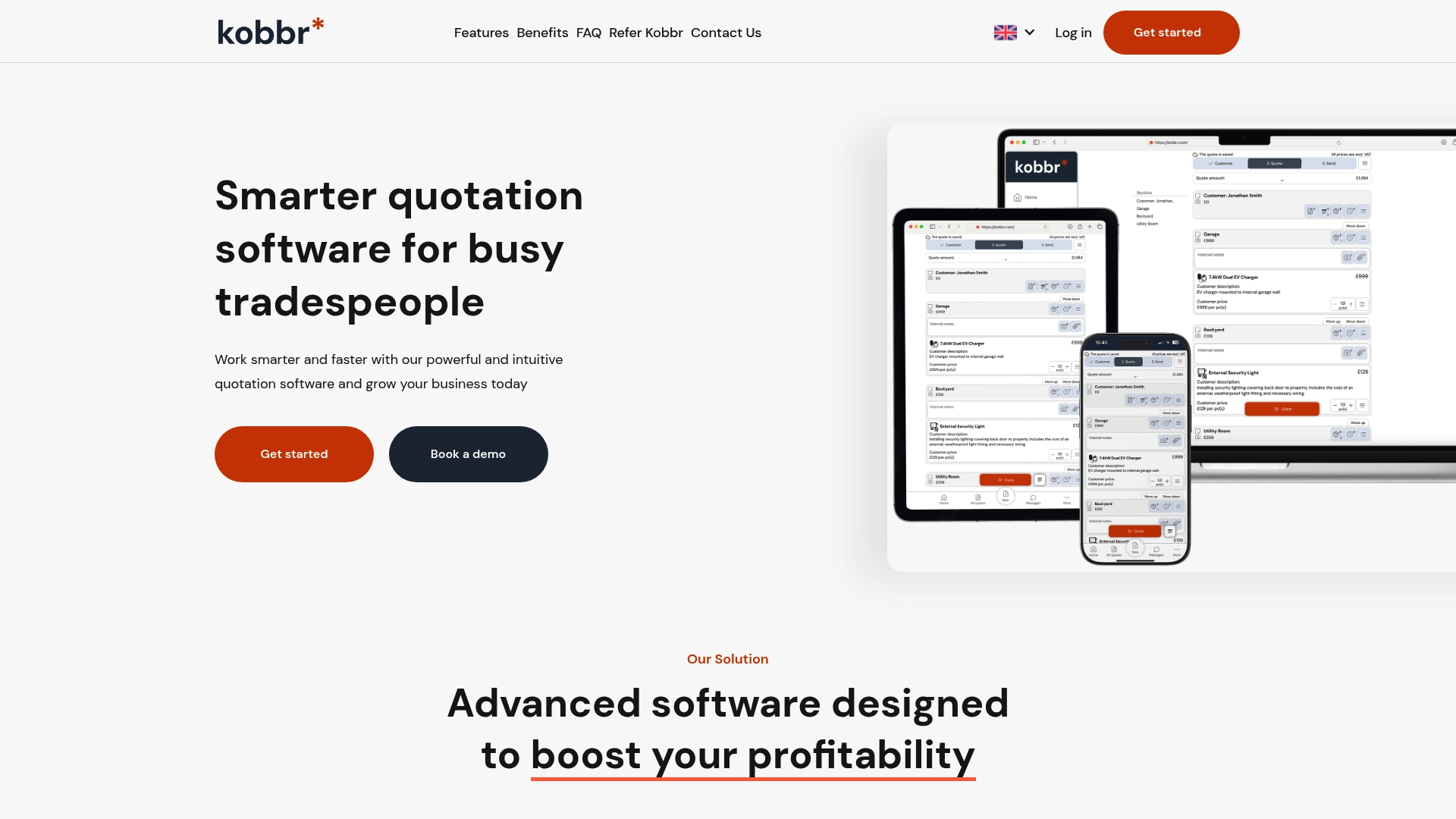
Built in compliance prompts help trades follow right of withdrawal rules during quote creation. Kobbr also supports on site and office use through cloud based access so you can create and send a branded quotation from any device. The platform emphasizes quick customer approvals and automated follow ups to shorten the time between estimate and booked work.
Core Features
Kobbr lets you create fast, professional looking quotations and share branded proposals instantly by email or SMS. The app captures customer approvals inside the interface and lets you schedule jobs in real time while keeping records for compliance. It works across devices and includes automated email and SMS follow ups to nudge undecided customers.
Key Differentiator
Kobbr focuses specifically on trades and fieldwork with built in compliance woven into the quoting flow. That focus shifts product decisions toward mobile quoting, approval capture, and legal checks rather than general business billing features. For teams that need field ready quotes plus compliance prompts, this narrow focus is the primary advantage.
Pros
The interface is simple enough for crews and office staff to learn quickly, which reduces training time on the van and in the office. Mobile quoting on site helps sales conversion by letting you send a professional estimate and get an approval while standing with the customer. Kobbr also offers personalized support with dedicated account managers and includes compliance steps that help you document right of withdrawal requirements and customer consent.
Cons
- Third party reviews note limits when handling highly complex quotes with many conditional items. This can slow down larger commercial jobs.
- The feature set targets trades specifically, which may leave out advanced accounting or project costing features used by other business types.
- Pricing is not publicly listed, so total cost and licensing structure are unclear without contacting the vendor.
When It May Not Fit
If your business prepares multi option commercial estimates with nested pricing rules, Kobbr may feel restrictive. Companies that need full accounting integrations or project management features beyond basic scheduling should look elsewhere. If you serve markets outside of trades and need broader corporate billing functions, this product will likely miss critical features.
Who It’s For
Tradespeople, craftspeople, and contractors who need fast, mobile friendly quoting will get the most value from Kobbr. It suits electricians, plumbers, carpenters, roofers, and HVAC teams that want branded proposals, approval capture, and compliance records. Small crews and single operator contractors will appreciate the low friction for on site quoting.
Real World Use Case
An electrical contractor walks a job, builds a branded quotation on a tablet, and sends it to the homeowner via SMS. The homeowner approves the estimate inside the app and the contractor schedules the job that afternoon. That workflow reduces callbacks and shortens the sales cycle for everyday service and repair work.
Pricing
No public pricing is listed. The product entry states pricing as not applicable and informational only, so you must contact Kobbr for plan details and any account management fees.
Website: https://kobbr.com
Comparison of alternatives
Among the reviewed invoicing solutions, QuoteLock demonstrates its strength in enabling frictionless client acceptance, a critical advantage for contractors requiring streamlined operational workflows.
Where Integrations Extend Workflows
YourTradebase stands out for its integration capabilities with accounting systems like QuickBooks and Xero, paired with trade-specific templates such as material lists and job sheets. These pre-configured tools align perfectly with the needs of tradespeople who manage task-specific quotes and job scheduling. Meanwhile, Kobbr prioritizes compliance during the quotation and booking process, addressing contractor needs in regions with stringent regulatory requirements.
Workflow Simplicity
When comparing usability, QuoteLock offers an intuitive no-login acceptance process that significantly reduces client resistance to quote acknowledgment and payment link usage. This system reflects an optimized design for sole operators and small businesses prioritizing fast invoicing directly from mobile devices. On the other hand, Kobbr facilitates branded proposals and onsite approval capture, appealing to trades seeking professional presentation enhancements.
Best fit
- For small contractors or sole proprietors prioritizing rapid field quoting and simple acceptance, QuoteLock delivers utility with its streamlined mobile-first design.
- Tradespeople managing detailed tasks requiring job-specific templates benefit greatly from YourTradebase due to its preconfigured forms aligned with industry needs.
- Contractors in regulated industries needing compliance assistance during quote and booking stages appreciate the built-in compliance workflows of Kobbr.
- Larger firms or organizations demanding advanced permission handling and multi-region deployment might find external scalability limitations across these platforms.
Our pick
QuoteLock emerges as the prime choice for contractors seeking minimal friction during customer quote acceptance due to its no-login acceptance workflow. However, for trades reliant on industry-specific quote details or those operating under strict compliance protocols, YourTradebase and Kobbr provide compelling alternatives.
To assist in selecting an optimal quote and invoicing software, the following table compares leading options based on their key features, pricing, primary use cases, and limitations.
| Product | Key Features | Primary Use Case | Pricing | Limitation |
|---|---|---|---|---|
| Quote-lock | Mobile quoting, invoice conversion, Stripe/SumUp/Revolut integration | Small trade contractors requiring field-ready solutions | Starts at €19/month | Limited project and client management tools |
| YourTradebase | Job sheets, quotes, scheduling, QuickBooks/Xero integration | Small crews focused on streamlined job workflows | Starts at £29/month | Minimal API integrations |
| Kobbr | Mobile friendly quoting, compliance steps, branded proposal sharing | Tradespeople needing legal compliance and easy approvals | Price not published | Limited features for complex quotes or non-trade industries |
Choosing the Right Path.pro Alternative for Your Trade Business
The search for the best path.pro alternatives often centers on avoiding complex software that slows down busy contractors and service businesses. Many tradespeople need a simple way to send quotes, get approvals, and convert those quotes into invoices without asking customers to create accounts or learn new systems. Quote-lock addresses these pain points by letting you create professional quotes in minutes and turn accepted quotes instantly into invoices. It tracks when customers view quotes and nudges them with automatic reminders, helping you close jobs faster.
Quote-lock fits well for landscapers, builders, plumbers, and other tradespeople who want to spend less time on paperwork and more time on their projects. To learn how Quote-lock can reduce your administrative tasks and improve payment speed, visit Quote-lock. See how you can create and send quotes with no client login needed and convert approvals into invoices with a single click.
FAQ
How does Quote-lock simplify quoting and invoicing for contractors?
Quote-lock simplifies quoting and invoicing by allowing users to generate professional quotes quickly and convert accepted quotes into invoices with just one click. This feature is especially beneficial for contractors who need to reduce administrative steps between site visits and getting paid. To maximize efficiency, contractors can start using Quote-lock for streamlined quoting and invoicing from the field.
What is the difference between YourTradebase and Quote-lock?
YourTradebase excels in offering integrated job sheets and lead tracking alongside quotes and invoices, catering particularly well to trades like builders and electricians. In contrast, Quote-lock focuses on fast quote acceptance and billing without requiring client logins, making it ideal for contractors seeking a straightforward quoting process without additional features they may not need. Those who favor simplicity may find Quote-lock a better choice for on-site quoting and invoicing.
Can I use Quote-lock for deposit collection on quotes?
Quote-lock supports deposit collection through payment links, including options like Stripe and bank transfers, making it easy to secure upfront payments. This capability helps contractors manage cash flow effectively by ensuring that they receive a portion of their fees before beginning work. For tradespeople looking for a way to collect deposits efficiently, Quote-lock offers a clear solution.
Does Quote-lock support follow-ups for viewed quotes?
Quote-lock provides automated follow-ups for quotes that have been viewed, allowing contractors to nudge potential clients towards a decision. This feature enhances engagement with prospects who are on the fence about accepting a quote, making it easier for contractors to close deals. Implementing this feature can lead to higher quote acceptance rates for contractors.
What is the pricing structure for Quote-lock?
Quote-lock’s pricing starts at €19 per month, including a 14-day free trial, which offers contractors an opportunity to test the platform before committing. This pricing structure sets the stage for small service businesses to adopt efficient quoting practices without substantial upfront costs. Those interested can take advantage of the trial to evaluate if Quote-lock meets their needs.