Top 5 Allbooked.co.uk Alternatives 2026

Top 5 Allbooked.co.uk Alternatives 2026
Finding quote and invoicing software that fits real trades workflows without forcing clients to log in or buy unused add-ons remains difficult. Many platforms require customer logins, complex project management, or restrict features behind unclear pricing and sales calls. This comparison covers price, payment flows, and mobile fit across five tools so trades and service teams can select the right match without stalled trials.
Table of Contents
QuoteLock
At a Glance
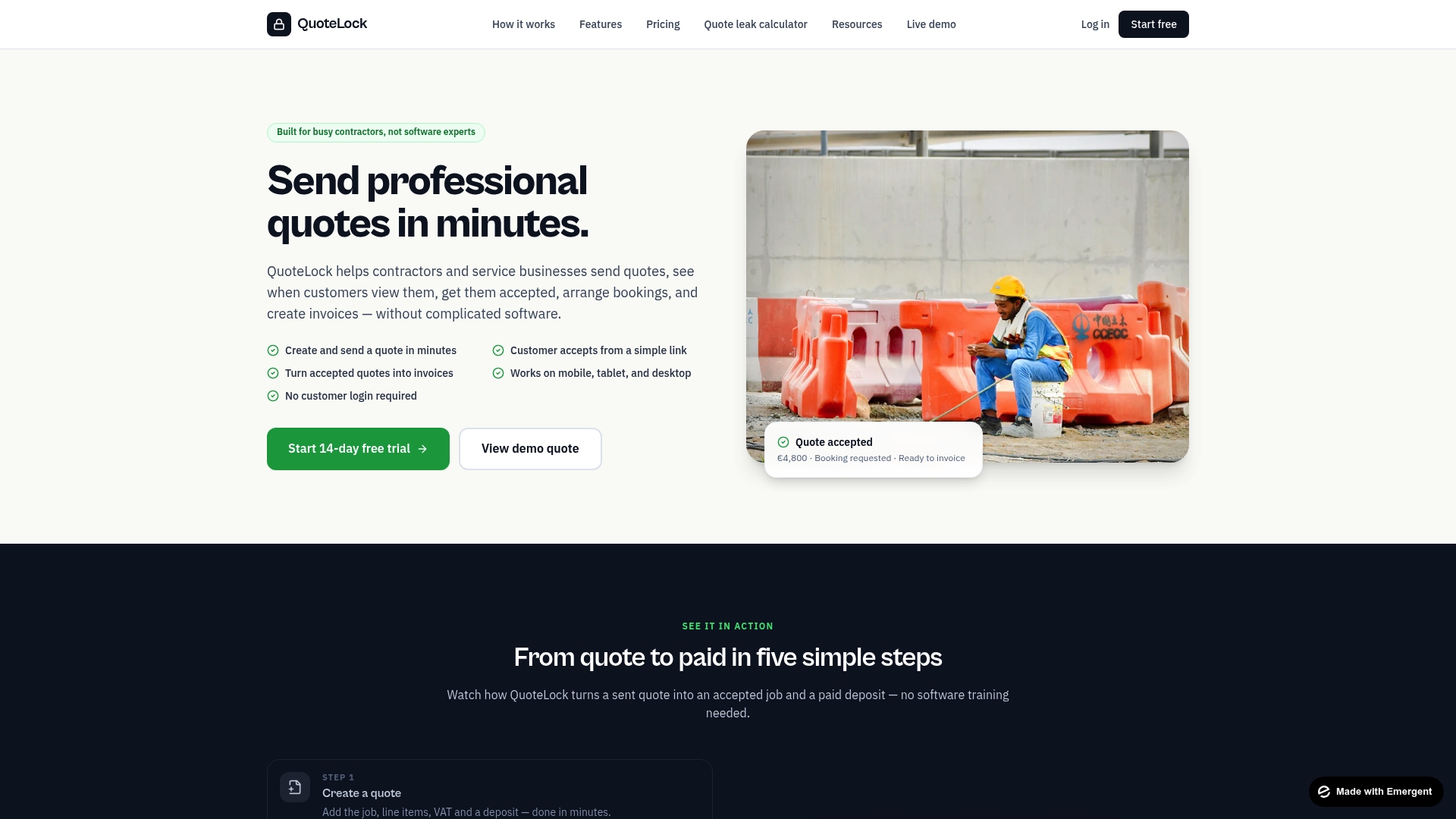
No customer login is required for quote acceptance or payment links. This removes a common barrier that slows approvals and deposits for on-site trades. Contractors can send a quote from a phone, see when a customer views it, and get notified for follow up.
Core Features
QuoteLock lets you create and send a quote in minutes from mobile, tablet, or desktop, and the customer accepts via a simple link. Accepted quotes convert to invoices with turn accepted quotes into invoices with one click so you avoid manual reentry. The system tracks quote views, sends automated reminders, and includes integrated payment links so customers can pay deposits without logging in.
Key Differentiator
The product targets trades and service providers with a mobile first quoting and invoicing workflow that removes common friction points. The workflow focuses on speed: quick quote creation, visible view tracking, automated follow ups, and instant invoice conversion. That narrow focus keeps the interface simple for teams who do quoting from the van or job site.
Pros
QuoteLock sets up quickly and stays simple to operate, which matters when you have few admin hours each week. The mobile friendly workflow fits tradespeople who need to produce professional quotes on site and start payments that day. Automated follow ups and view tracking reduce guesswork about whether a customer saw the quote. Integrated payment links from common providers speed deposit collection and reduce unpaid estimates. The lack of client logins also removes training and access headaches for both you and your customers.
Cons
- May be less suitable for businesses that require extensive project management or very complex quoting workflows.
Notable Integrations
- Stripe
- SumUp
- Revolut
- Bank links
Who It’s For
Small to medium service providers, sole traders, and tradespeople who prioritize speed and mobility over heavy feature sets. Builders, landscapers, plumbers, and electricians who quote on site and want faster deposits will find the workflow useful. Teams that do not need a full project management suite and prefer a focused quoting tool will get the most value.
Unique Value Proposition
No customer login required for acceptance or payment links. That single design choice cuts friction in the sales path, so customers accept and pay deposits faster. For contractors that bill frequent small jobs, the faster cash flow and reduced admin time translate directly to fewer days chasing payment and less time entering data.
Real World Use Case
A plumber creates a branded quote from a phone while still at the client property and sends the link immediately. The plumber sees a view notification, lets the automated reminder run, and the customer pays a deposit through the payment link. The plumber then converts the accepted quote into an invoice in seconds and records the job without returning to the office.
Pricing
Paid plans start at €19/month and include a 14-day free trial. The entry price makes it feasible to test the tool on one trade vehicle before rolling it out to a small team.
Website: https://quote-lock.com
Kantan
At a Glance
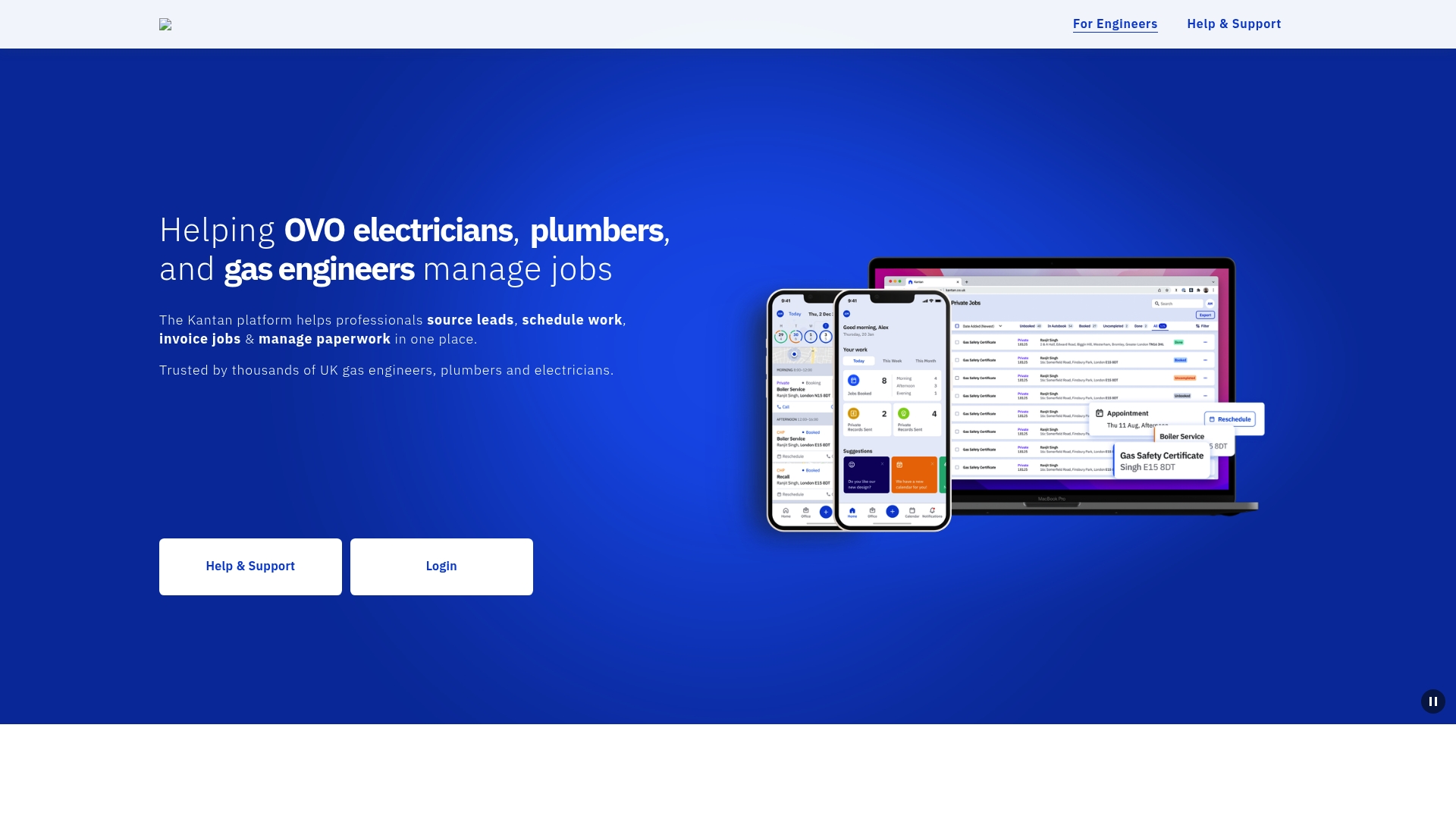
The vendor advertises Kantan is trusted by thousands of UK professionals. The platform bundles lead sourcing, job scheduling, invoicing, and paperwork for tradespeople. It runs on web, iOS, and Android so field teams can manage bookings and payments from the van.
Core Features
Kantan centralizes lead sourcing and job scheduling with a calendar and appointment reminders that work across web and mobile. The platform also handles invoicing and payment processing while storing required paperwork and documentation for each job. Mobile app availability on iOS and Android keeps site-to-office workflows connected.
Key Differentiator
Kantan targets UK tradespeople directly, combining job intake and payments in one environment built around trades workflows. That focus tailors lead delivery and paperwork for electricians, plumbers, and gas engineers rather than for general service firms. The result is a narrower feature set tuned to everyday on-site tasks.
Pros
The booking flow is straightforward and reduces back-and-forth with clients. Appointment reminders and calendar updates cut no-shows and help crews plan their day. Invoicing and payment features shorten the billing cycle, and multi-device access keeps records available wherever you work. That figure the vendor cites gives social proof for UK trades prospects.
Cons
- Frequent appointment cancellations reported by contractors, which can disrupt scheduling and revenue.
- Contractor reliability varies, creating uneven service quality for some bookings.
- Communication gaps on booking changes and service updates have been noted by users.
When It May Not Fit
Kantan focuses on UK trades, so firms operating internationally or outside trades may find the feature set too narrow. Organizations that require guaranteed contractor performance or a marketplace with tightly vetted professionals may prefer platforms with stricter quality controls.
Who It’s For
Trades professionals in the UK such as electricians, plumbers, and gas engineers who want a single app for leads, bookings, and billing. Small teams that prefer mobile-first tools and need paperwork tied to individual jobs will find the workflow familiar. Larger operations that require advanced vendor vetting may find the fit looser.
Real World Use Case
A UK electrician receives a lead through the app, schedules the visit on the calendar, and gets an automated reminder sent to the customer. After finishing the job, the electrician creates an invoice in the app and takes card payment on site. The paperwork and job notes remain attached to the client record for later reference.
Pricing
The vendor lists pricing as not applicable in the publicly available information and presents the product in an informational format only. Contacting Kantan directly is required to learn about any fees or subscription tiers.
Website: https://kantan.co.uk
Loggworks
At a Glance
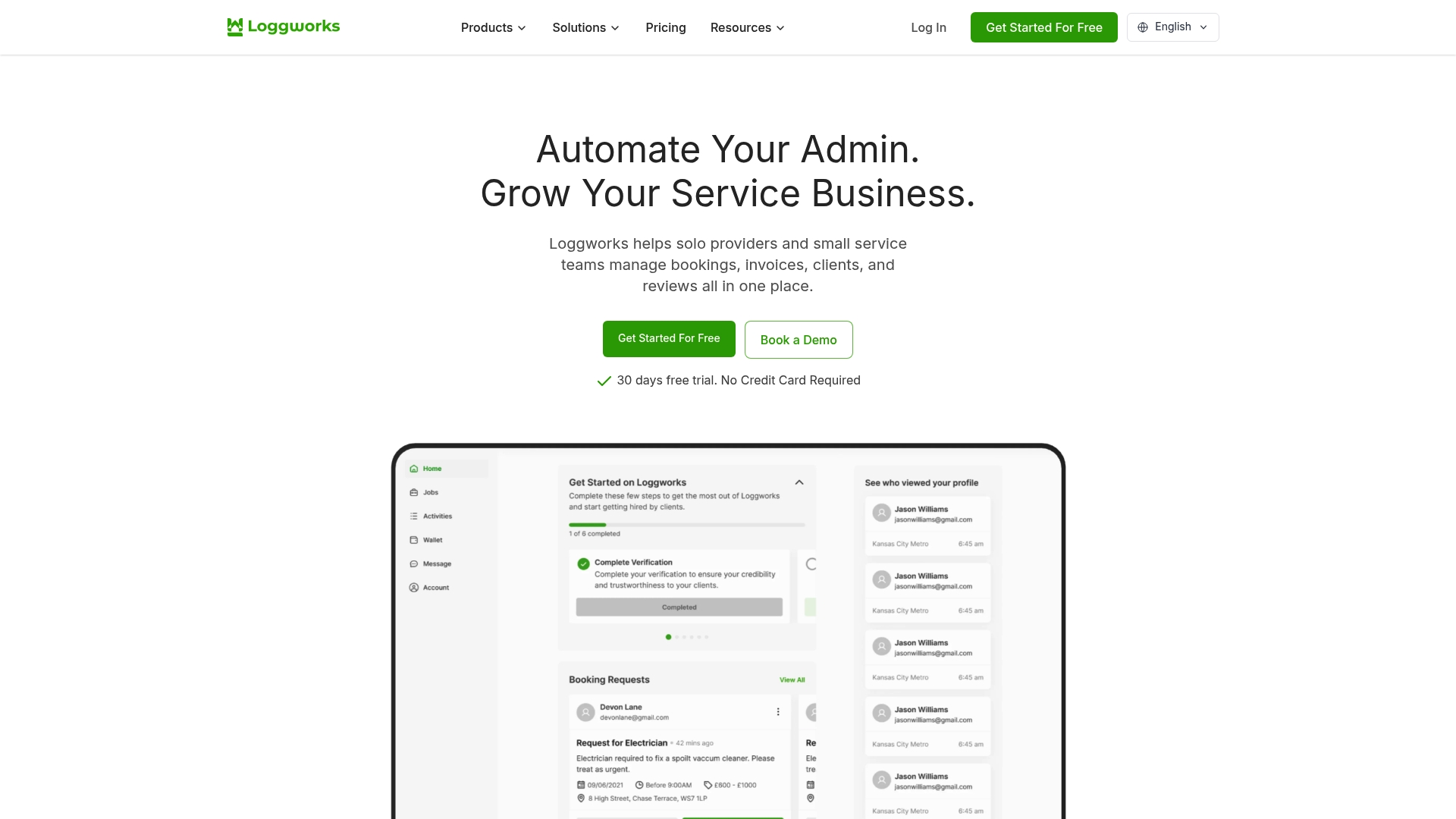
Loggworks lets solo providers publish a free business profile page to boost local visibility and collect customer reviews. It combines bookings, quotes, invoices, client records, and review collection into a single mobile friendly app. A free trial is available alongside paid plans that scale to small teams.
Core Features
Booking management ties appointments to client records and, where needed, to staff assignments. You can create and send quotes, convert accepted quotes into invoices, and collect customer feedback after jobs. Business profile customization, mobile apps, and messaging links keep client contact and payments connected across channels.
Key Differentiator
Loggworks stands out with its free business profile pages that publish listings and gather reviews. That public presence helps self employed providers get found and build credibility without a separate website. Compared with Quote-lock, Loggworks leans more toward public listings and review collection for small service teams.
Pros
The product reduces admin work by bringing bookings, invoicing, client records, and reviews into one place. The vendor offers a free trial with no credit card required and flexible plans for solo professionals and small teams. Built in mobile apps plus Stripe and messaging integrations make it easier to collect payments and reply to clients on the go.
Cons
-
Limited detailed user reviews and independent feedback are available, which makes third party validation harder.
-
Feature set may feel basic for larger businesses with complex scheduling or payroll needs.
-
No detailed information on advanced reporting or analytics for owners who need custom metrics.
When It May Not Fit
If your business relies on advanced reporting or custom analytics, Loggworks will likely feel limited. Large enterprises with multi location scheduling, complex payroll, or heavy automation needs will outgrow the feature set. The platform fits small teams rather than complex enterprise operations.
Notable Integrations
- Stripe for payment processing
- WhatsApp for client messaging
- Instagram for business visibility
- Facebook Messenger for client contact
- Telegram for messaging links
- Email for notifications and receipts
Who It’s For
Solo service providers and small teams that handle bookings, quotes, invoicing, and client messaging will see the most benefit. Typical trades include cleaning, pet grooming, removals, and general handyperson work. Owners who want a quick public listing and easy review collection without building a website will find the fit strong.
Real World Use Case
A handyman uses Loggworks to accept bookings, send a quote, convert the quote into an invoice, and request a review after the job. He communicates with clients through WhatsApp links and collects payments via Stripe. The mobile app keeps job details and client history available while on site.
Pricing
Plans include Free, Pro (£5/week), and Enterprise (£6/week/seat), with custom enterprise pricing negotiable. The free tier provides the public business page and basic booking features. Paid tiers add team seats and expanded management features.
Website: https://loggworks.co.uk
CIS Invoice
At a Glance
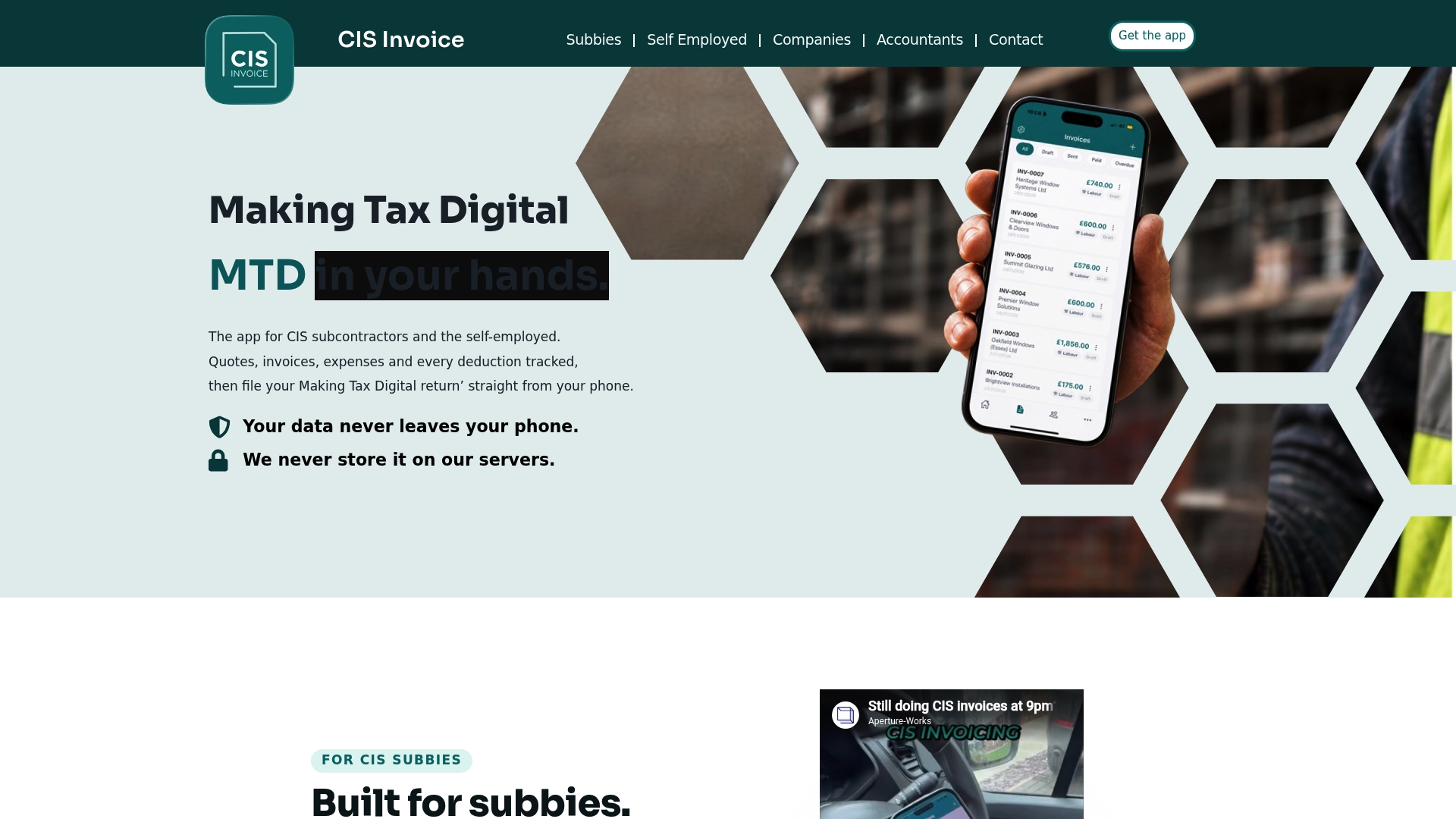
All client and tax records remain on the contractor’s phone rather than in a vendor cloud. The app automates CIS deduction math and formats invoices to match UK construction rules. It also offers a free tier and paid plans that start at £4.99 per month.
Core Features
CIS Invoice performs CIS compliant invoicing with automatic deduction calculations and exportable PDFs and CSV files. The app tracks expenses, lets you attach receipts, logs VAT, and generates branded invoices and quotes that you can send from the device. It also supports on site invoicing, multiple clients, and Making Tax Digital submissions to HMRC.
Key Differentiator
The combination of automated CIS deduction calculations and local only data storage sets this apart from general accounting apps. That architecture keeps sensitive payment and tax records off remote servers. For contractors who prefer device storage for security or compliance reasons, that approach matters.
Pros
The app produces consistent, CIS compliant invoices and handles the 20% deduction math automatically, which reduces manual errors and saves time on the toolshed floor. Expense tracking with receipt attachments and CSV export options makes quarter end record gathering faster for you and your accountant. Multiple plans including a free option let sole traders test features before paying for CSV export, quote modules, or custom branding.
Cons
-
Limited external review data. There is little third party feedback available to verify long term reliability.
-
UK centric design. The app focuses on HMRC CIS and Making Tax Digital and will not fit non UK tax setups.
-
Modest invoice customization. Formatting choices are limited beyond adding a logo and basic branding.
-
Reliance on device security. Cloud backup is not automatic, so you must export data manually for off device copies.
When It May Not Fit
If your business operates across borders or uses non UK tax rules, this app will not suit your needs. Firms that require automatic cloud backup and centralized team access will find the local only storage restrictive. Larger practices that need deep invoice template control or workflow automation will need a different tool.
Who It’s For
UK subcontractors, self-employed tradespeople, and small contracting companies who handle CIS deductions regularly will get the most value. Accountants who support CIS clients and need clean exports for HMRC submissions will also find the app practical. It fits people who prefer doing invoicing and MTD submissions from a phone rather than a desktop suite.
Real World Use Case
A CIS subcontractor finishes a job and uses the app to create a CIS compliant invoice on site. The worker attaches receipts, sends the invoice via WhatsApp, and the app calculates the 20% deduction automatically. At quarter end the subcontractor exports CSV records and shares them with an accountant for HMRC filing.
Pricing
A free tier is available for basic invoicing and expense logging. Paid plans start at £4.99 per month or £49.99 per year and add features such as CSV export, the quote module, and custom branding. Upgrades appear straightforward and aimed at solo trades and small teams.
Website: https://cis-invoice.co.uk
QuickBooks Time
At a Glance
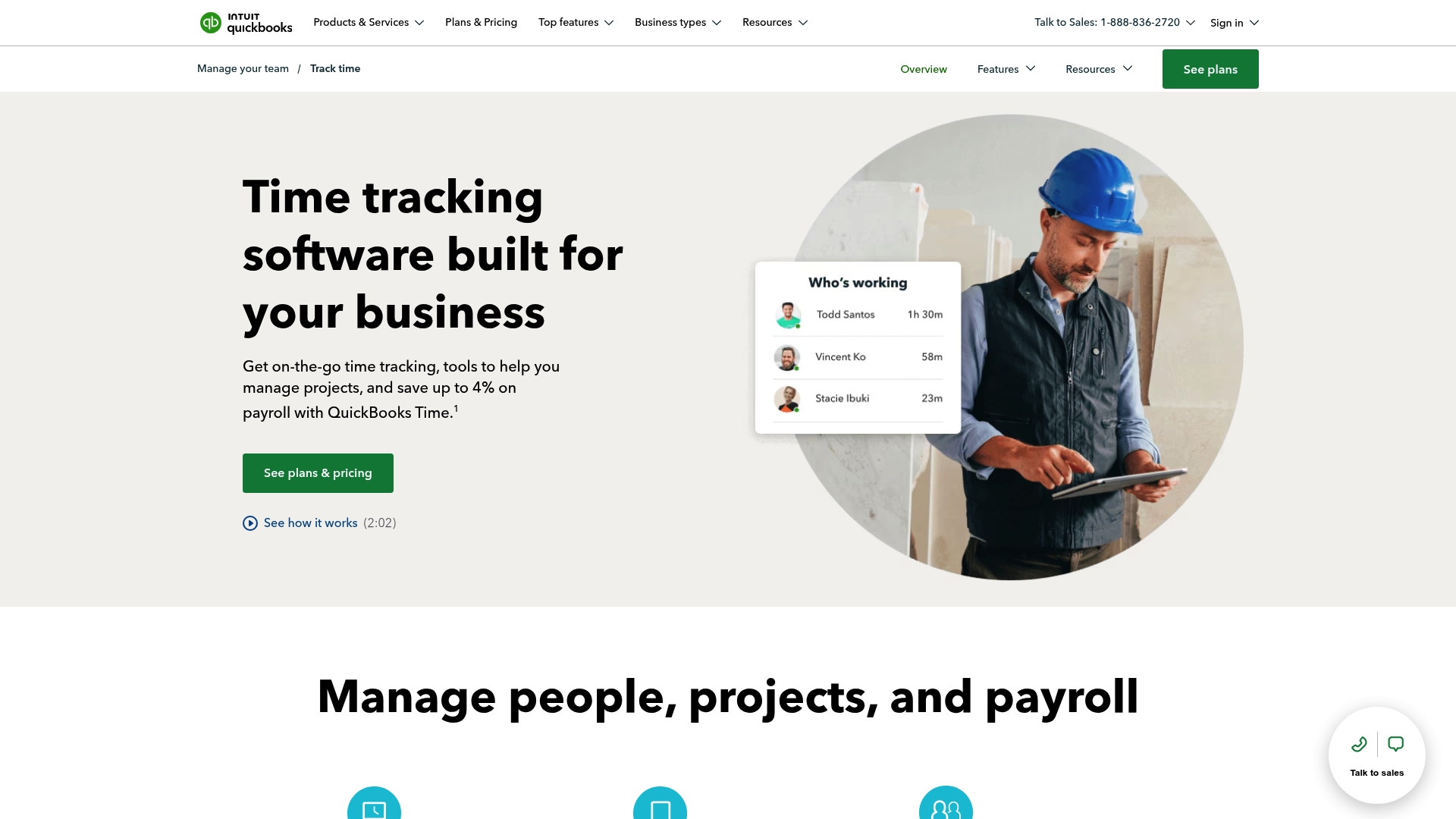
A 30-day free trial and plans starting at $10/month per user let you test QuickBooks Time with real teams before committing. The service combines mobile clocking, GPS tracking, and timesheet approvals for on-site crews. Many contractors use the tablet Time Kiosk and payroll link to reduce manual payroll errors.
Core Features
Mobile time tracking captures clock-ins and job notes from smartphones and tablets, and managers can approve timesheets in the app. The product links directly to QuickBooks accounting and payroll, and it offers real-time team visibility, job tracking, and customizable reports for project profitability. Those features address timekeeping, payroll import, and basic job costing workflows.
Key Differentiator
The core advantage is the depth of integration with the QuickBooks ecosystem combined with a focused mobile experience. That connection moves hours into accounting and payroll without rekeying entries. Field teams gain GPS checks and Time Kiosk support while office staff keep a unified payroll and billing flow.
Pros
Integration with QuickBooks Online and Desktop removes duplicate data entry and speeds payroll preparation. The mobile app supports remote clock-ins, approvals, and GPS verification, which helps contractors track hourly crews across sites. Reporting and job tracking give basic insights into labor costs and project profitability, and customer support is generally responsive when technical issues arise.
Cons
-
Occasional syncing errors can disrupt payroll imports and require manual fixes.
-
Setup for complex payroll rules and advanced job costing can be time consuming.
-
Tracking contractor hours has limitations, which can complicate mixed workforce billing.
-
Reporting falls short for multi-layered job-cost scenarios that need custom analytics.
When It May Not Fit
If your operation needs highly detailed, custom reporting, QuickBooks Time may feel limiting. Enterprises with elaborate payroll rules and many contractor types could face lengthy setup and ongoing workarounds. Large firms that rely on third-party payroll engines outside the QuickBooks ecosystem should evaluate integration fit closely.
Notable Integrations
-
QuickBooks Online
-
QuickBooks Desktop
-
Payroll systems
-
Reporting tools
Who It’s For
Small and mid-sized businesses with mobile or on-site staff will find this useful. Contractors, landscapers, and trades firms that already use QuickBooks get the most value. Organizations that want straightforward time capture, GPS verification, and a direct payroll handoff will fit best.
Real World Use Case
A construction firm runs tablets at site entrances for crew clock-ins and sets geofences around projects for accuracy. Time entries flow into payroll and into QuickBooks for job-cost reports. Project managers use those reports to check profitability after each phase.
Pricing
A 30-day free trial is available so you can test with your crew. Plans start at $10/month per user for Premium and $20/month per user for Elite, with initial-period discounts and higher-tier features available.
Website: https://quickbooks.intuit.com/time-tracking
Comparison of alternatives
Evaluating popular quote and invoicing platforms, each offers unique utilities tailored for specific user scenarios. Let us explore their distinctive strengths and how they meet varied operational needs.
Mobile-first quoting convenience
QuoteLock excels with a mobile-friendly interface streamlined for tradespeople. Its quick quote generation and invoice conversion are ideal for professionals needing swift on-site operations. Automated reminders and integrated payment links further save time and reduce follow-up efforts. However, its simplicity might limit businesses requiring extensive project management.
Compliance versus payroll focus
CIS Invoice stands out for automating CIS-compliant deduction and invoicing within the UK. Unlike competitors, it supports localized tax reporting efficiently. Meanwhile, QuickBooks Time integrates timekeeping with payroll systems, offering workforce management for teams managing large-scale, hourly operations. Both products cater to specialized requirements outside generalized quoting.
Best fit
- Professionals seeking efficient on-site quoting and payment collection workflows will benefit most from QuoteLock’s mobile-ready tools.
- Teams desiring unified lead sourcing and job scheduling functionality will find Kantan’s centralized ecosystem beneficial.
- Subcontractors needing reliable CIS-compliance features for invoicing and taxation should consider CIS Invoice.
- Organizations managing mobile workforces requiring precise time tracking should explore QuickBooks Time.
Our pick
For tradespeople prioritizing simplicity and speed, QuoteLock emerges as the best choice for swift quoting and payment workflows. Meanwhile, if compliance automation or workforce-specific solutions are to your service, consider platforms like CIS Invoice or QuickBooks Time to meet those specific needs effectively.
Quote-lock excels in facilitating quick and straightforward quote-to-invoice workflows tailored for trades professionals seeking efficiency.
| Product | Core Feature | Key Differentiator | Best For | Pricing | Limitation |
|---|---|---|---|---|---|
| Quote-lock | Mobile-friendly quote and invoice workflow | Speed over complexity for tradespeople | Trades needing fast deposits | €19/month starting | Limited suitability for complex workflows |
| Kantan | Lead sourcing, scheduling, invoicing | Tailored for UK trades workflows | UK-based trades professionals | Price not published | Issues with appointment cancellations |
| Loggworks | Bookings, quotes, invoices, reviews | Free business profile for self-promotion | Solo providers and small teams | Free/£5-6 per week | Basic reporting and scheduling features |
| CIS Invoice | CIS-compliant invoicing features | Local-only data storage and compliance | UK subcontractors needing CIS support | £4.99/month starting | Limited customization and no cloud backup |
| QuickBooks Time | Mobile time tracking and payroll integration | Links directly to QuickBooks | Businesses using QuickBooks | $10/month starting | Complex setup for advanced payroll rules |
How can busy tradespeople simplify quoting and invoicing compared to allbooked.co.uk alternatives?
Busy contractors and tradespeople like builders and landscapers often struggle with slow approvals, complex software, and the hassle of multiple logins. Quote-lock focuses on these challenges by allowing you to create and send quotes in minutes from any device. Accepted quotes instantly become invoices with a single click, eliminating manual entry and reducing admin time.
Key benefits include:
- No customer logins needed for quote acceptance or deposit payments
- Real-time tracking of when customers view your quotes
- Automated reminders to keep approvals moving
Explore Quote-lock to see how it improves cash flow and cuts paperwork burdens.
Try Quote-lock to send your first quote on site and convert it to an invoice in seconds.
FAQ
How quickly can I create and send a quote with Quote-lock?
Quote-lock allows you to create and send a quote in minutes. The platform enables quote generation from mobile, tablet, or desktop, so you can respond quickly to clients on the go.
What is the difference between Quote-lock and Loggworks?
Loggworks places a strong emphasis on building a public business profile page, which helps boost local visibility and collect customer reviews. Quote-lock, on the other hand, is designed for tradespeople seeking to simplify the quote and invoicing process without requiring client logins for payment, making it particularly effective for rapid cash flow.
Does Quote-lock provide automated reminders for clients?
Yes, Quote-lock sends automated reminders to clients about their quotes. This feature helps reduce the guesswork about whether a customer has seen the quote, making follow-ups more efficient.
Can I convert an accepted quote into an invoice with Quote-lock?
Quote-lock enables you to convert accepted quotes into invoices with one click. This feature eliminates manual reentry, saving you valuable time and effort in your invoicing process.
Is Quote-lock suitable for complex project management?
Quote-lock may be less suitable for businesses that require extensive project management. It focuses on providing a streamlined, mobile-friendly quoting and invoicing workflow that is ideal for tradespeople rather than for companies needing comprehensive project oversight.