How Booking Requests Work
Move accepted quotes into confirmed bookings, then plan the work on your jobs calendar.
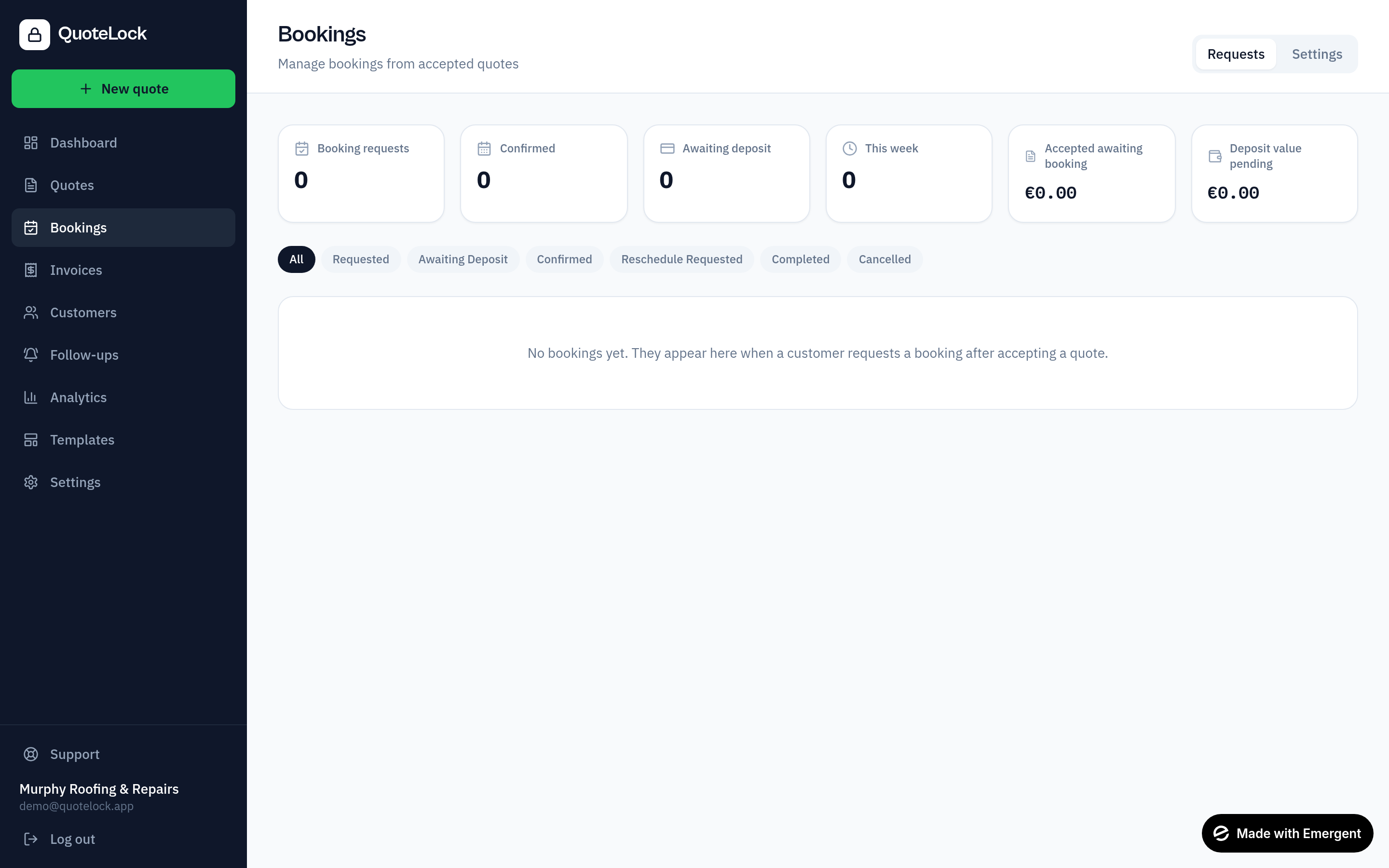
Enable booking requests
Turn on bookings in your settings and set your working hours and availability.
Add booking options to a quote
Offer dates/times the customer can request when they accept.
Customer requests a slot
After accepting, the customer picks a preferred date/time straight from the quote page.
Approve — or auto-confirm
Confirm the request, propose an alternative time, or switch on auto-confirm so available slots are booked automatically.
Everyone gets notified
Automatic confirmation emails go to the customer, and the job is ready to schedule on your calendar.
Reminders keep it on track
Configurable appointment reminders are sent before the job so nobody forgets.
Statuses you'll see
Once a booking is confirmed, use the jobs calendar to schedule and assign the work — see the Scheduling & Jobs guide.
Ready to get going?
Related guides
We use essential cookies to run QuoteLock and privacy-friendly analytics to improve it. See our Privacy Policy.