How to Create and Send a Quote
Build a clear, professional quote and get it in front of your customer in a couple of minutes.
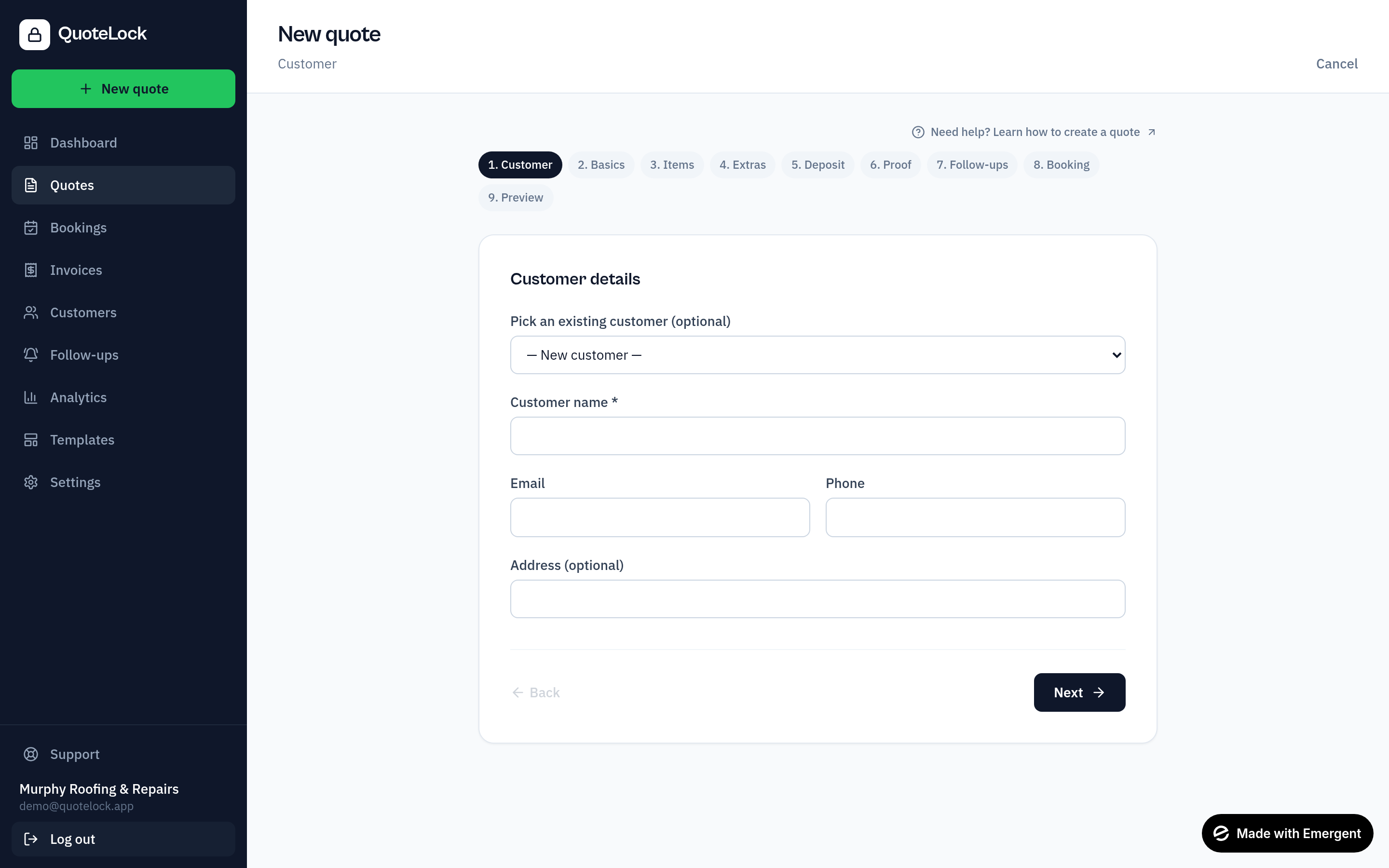
Open the Quotes section
From your dashboard, go to Quotes.
Click New Quote
Start a fresh quote from the New quote button.
Add customer details
Pick an existing customer or add a new one inline.
Add job/project details
Give the quote a clear title and short description of the work.
Add line items
Add each item with a quantity and unit price. Totals calculate automatically.
Add VAT/tax if applicable
Set the tax rate per line; multiple rates are grouped in the totals.
Add a deposit/payment link if required
Paste your Stripe/Revolut/SumUp link so customers can pay a deposit.
Add booking options
Let the customer request a preferred date/time after accepting.
Preview the quote
Use 'Preview as customer' to see exactly what they'll receive.
Send it
Send by email as a link, a PDF attachment, or both — add CC/BCC recipients — copy the link, or share via WhatsApp.
Helpful tips
- Keep descriptions clear and jargon-free
- Always show the VAT/tax breakdown
- Set a clear expiry date to create urgency
- Add deposit/payment instructions
- Tell the customer the next step
Ready to get going?
Related guides
We use essential cookies to run QuoteLock and privacy-friendly analytics to improve it. See our Privacy Policy.